Translated from the Chinese original.
Sina Weibo’s image-hosting service recently began rolling out hotlink protection, so many blog images that relied on it can no longer be displayed.
This article shares some lessons from migrating image hosts and choosing new tools. I hope it helps.
1 Migration
1.1 One-click migration to Alibaba Cloud OSS
1.2 Replacing links in the database
1.3 Batch-saving Weibo-hosted images to your server (WordPress)
1.4 Batch-saving Weibo-hosted images to your computer
1.5 Some non-migration workarounds (still working for now)
- Change the domain name
- Modify the referrer
- Switch to http
- Embed an iframe
- Use a third-party reverse proxy
2 Choosing Image-Hosting Tools for Windows
2.1 Mpic
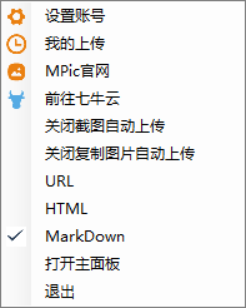
For Windows, this is probably the best image-hosting app. Its advantages include:
- Multiple link formats to choose from
- Automatic upload for screenshots/copied images
- Links automatically copied to the clipboard
- Automatic image compression
- …
The downside is that it only supports Qiniu Cloud.
2.2 PicGo
A newer cross-platform image-hosting app for Windows, Mac, and Linux. It supports Weibo, Qiniu Cloud, Tencent Cloud COS v4/v5, Upyun, GitHub, SM.MS, Alibaba Cloud OSS, and Imgur.
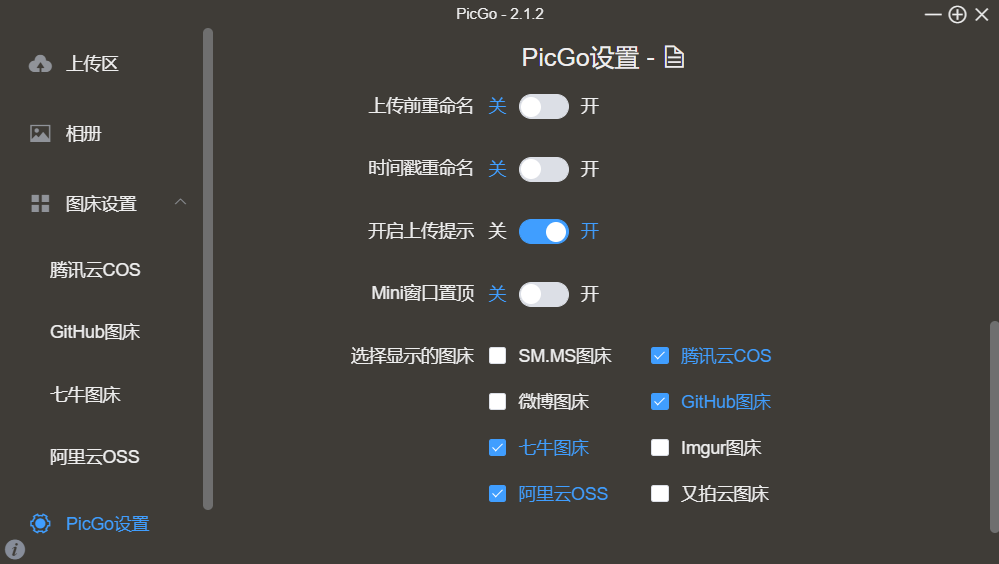
It also supports plugins.
Official usage guide. For more about PicGo, you can look here.
3 Choosing Image-Hosting Tools for Mac
3.1 iPic
A great image-hosting app for Mac. It currently supports Weibo (its default host), Qiniu Cloud, Upyun, Alibaba Cloud OSS, Tencent Cloud COS, Imgur, Flickr, and Amazon S3.
It supports uploading images from the clipboard, manual uploads, and drag-and-drop uploads.
Read the developer’s story and a more detailed introduction.
There is also iPic Mover, which can upload images in a Markdown file (local or online) to a new image-hosting service via iPic, then replace their URLs in the Markdown.
3.2 PicGo
See above.
4 Choosing Image-Hosting Tools for Chrome
4.1 Qiniu Online Image Storage
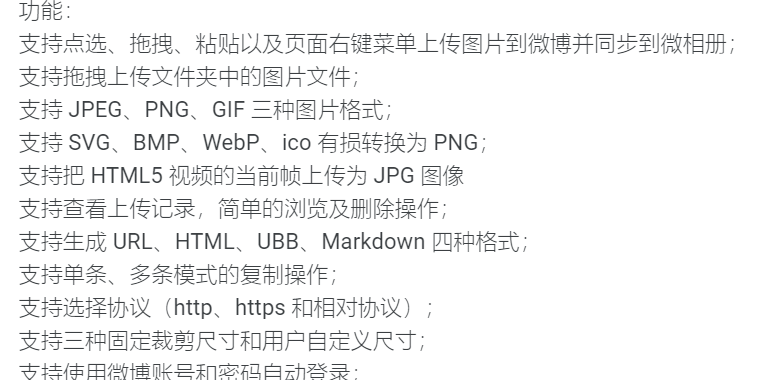
Since the Sina image-hosting service stopped working, it has been hard to find a Chrome extension as powerful as Weibo Image Host. For me, a must-have feature in a Chrome image-hosting extension is uploading images directly from web pages. I found “Qiniu Online Image Storage” as a barely adequate replacement. It only supports Qiniu Cloud, its generated links cannot be copied straight to the clipboard, and it cannot upload GIFs directly… I’ll have to make do.
5 Choosing an Image-Hosting Service
You can refer to this article.
If you’re considering Qiniu Cloud, note that it requires you to have a domain name with an ICP filing (buying a domain and getting it filed usually takes more than two weeks). Decide whether Qiniu Cloud suits you based on your own situation.