Translated from the Chinese original.
The long-awaited second installment of my “Mastering PDFs series” is finally here (forgive me, I’ve been really busy lately and took this long to publish).
Last time we talked about how to find Chinese textbooks, and launched the “E-Textbook Project”. The response has been good, but the save rate is far higher than the share rate… don’t you know good things are worth sharing? 🙄🙄🙄
Alright, back to the topic. Chinese textbooks can already meet most people’s needs, and they’re relatively easy to read. But in some subjects, once you’ve read an English textbook and then compare it with a domestic one, the gap is still obvious. Setting aside translation and the like, domestic and foreign textbooks differ considerably in logical structure, guiding philosophy, and readability.
Of course, everyone has different preferences, so just pick what suits you. But an ordinary foreign textbook can easily cost over a thousand yuan, and buying several books can easily burn through nearly ten thousand. So how to find English e-textbooks becomes something we can’t avoid. (Of course, I personally strongly encourage everyone to buy genuine copies once you’re able to, and not to kill the goose that lays the golden eggs.)
The good news is that by following the tutorial below, you should be able to find about 80% of English textbooks. Enjoy
1 Background on English E-Textbooks
Unlike Chinese textbooks, English textbooks are highly digitized. Most are exported directly from source documents, so they are small in size and high in quality. Chinese e-textbooks, by contrast, are mostly scanned copies of printed books: large in size and poorly suited to searching.
Because the two come from different sources, the approach to searching also differs.
English textbooks usually turn up best on dedicated e-book resource sites. A general-purpose search engine like Google is actually not the best choice here.
PS: Textbooks you find in Word, mobi, or Epub formats can also be converted to PDF with the right software. For the specific method, see Can’t tell mobi / epub / azw3 book formats apart?
2 Ways to Get English E-Textbooks
2.1 Z-library Sites
Z-Library is one of the largest online libraries in the world. We aim to make literature accessible for everyone. Today, Z-Library contains over 3 400 000 books and 73 000 000 articles.
Z-Library has many servers in the USA, Panama, Russia, Germany, Finland, Malaysia and Luxembourg. Our stored data now totals more than 160 TB! Every month, millions of people use Z-Library for their purposes — this shows us that we are on the right track. But it will be difficult to achieve our goals without your help. Z-Library is a non-profit project that exists at its founder’s expense, and with your support. Only thanks to your support over the past six months, we’ve made many improvements: full-text search, ZAlerts, recommender system, download history, improved advanced search and much more.
The above is the introduction to the Z-Library project. Its collection is extensive, with books in PDF, DjVu, and EPUB formats available for free. However, you can download a second book only after the first one has finished downloading.
The project has many mirror sites (after all, it threatens a lot of vested interests), such as Booksc, Bookok, and BookFi.
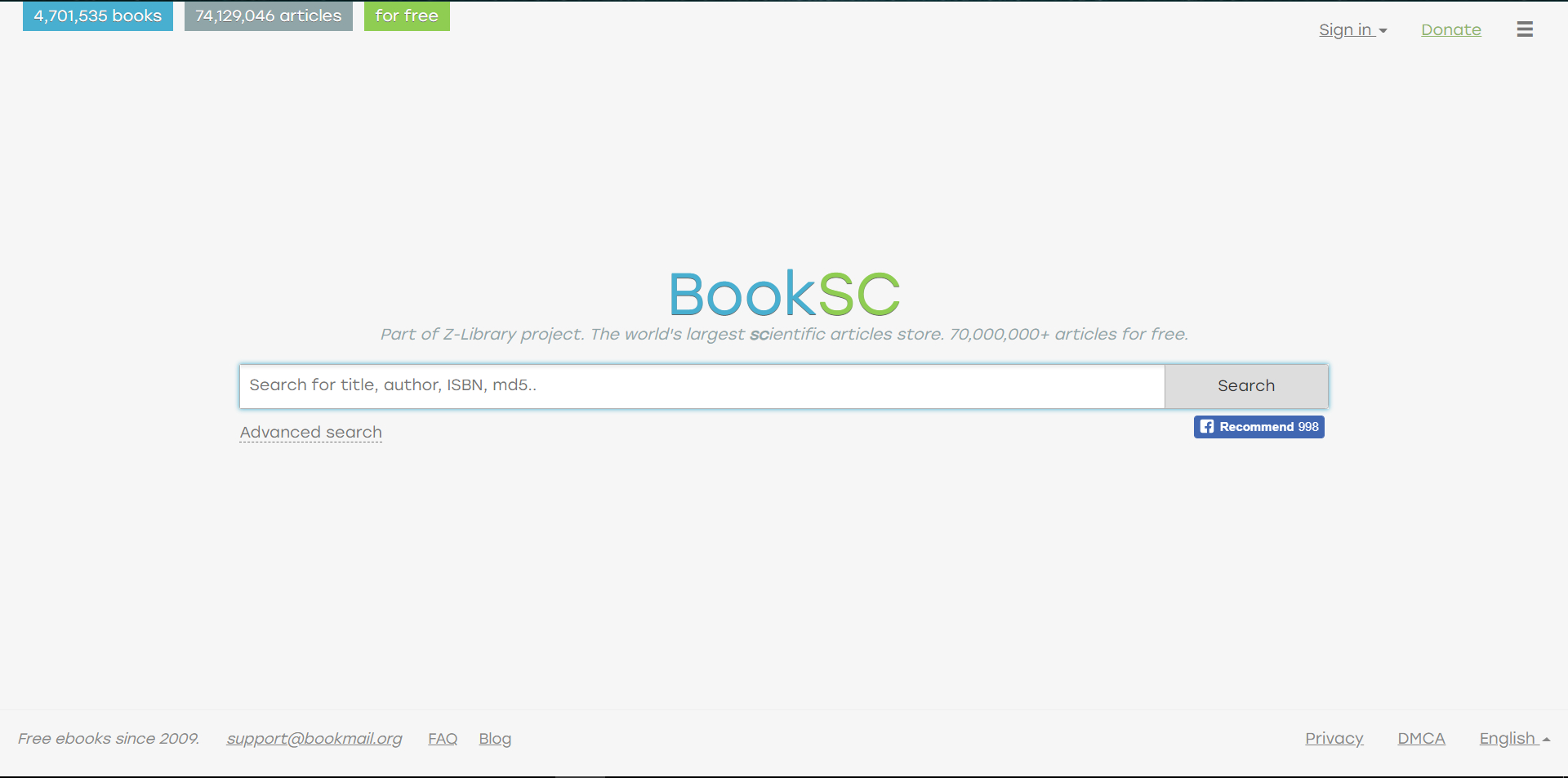
PS: Besides textbooks, you can also download other e-books and articles. If the download speed is too slow, consider using Baidu Netdisk’s offline download feature.
2.2 Library Genesis / LibGen Sites
Library Genesis or LibGen is a search engine for articles and books on various topics,[1]which allows free access to content that is otherwise paywalled or not digitized elsewhere.[2] Among others, it carries PDFs of content from Elsevier’s ScienceDirectweb-portal.[3]
In 2015, the website became involved in a legal case when Elsevier accused it of providing pirate access to articles and books.[3] LibGen is reported to be registered in both Russia and Amsterdam, making it unclear which legislation applies,[3][4] and whether defendants will show up in a United States court hearing.[3] LibGen is blocked by a number of ISPs in the United Kingdom,[5] but such DNS-based blocks are claimed to do little to deter access.[3] In late October 2015, the District Court for the Southern District of New York ordered LibGen to shut down and to suspend use of the domain name (libgen.org),[6] but the site is accessible through alternate domains.[7][8]
As of 5 June 2018, Library Genesis states that its database contains more than 2.7 million books and 58 million science magazine files.[9]
The above is Wikipedia’s introduction to this project.
Likewise, the project has multiple mirror sites, such as libgen1 and libgen2.
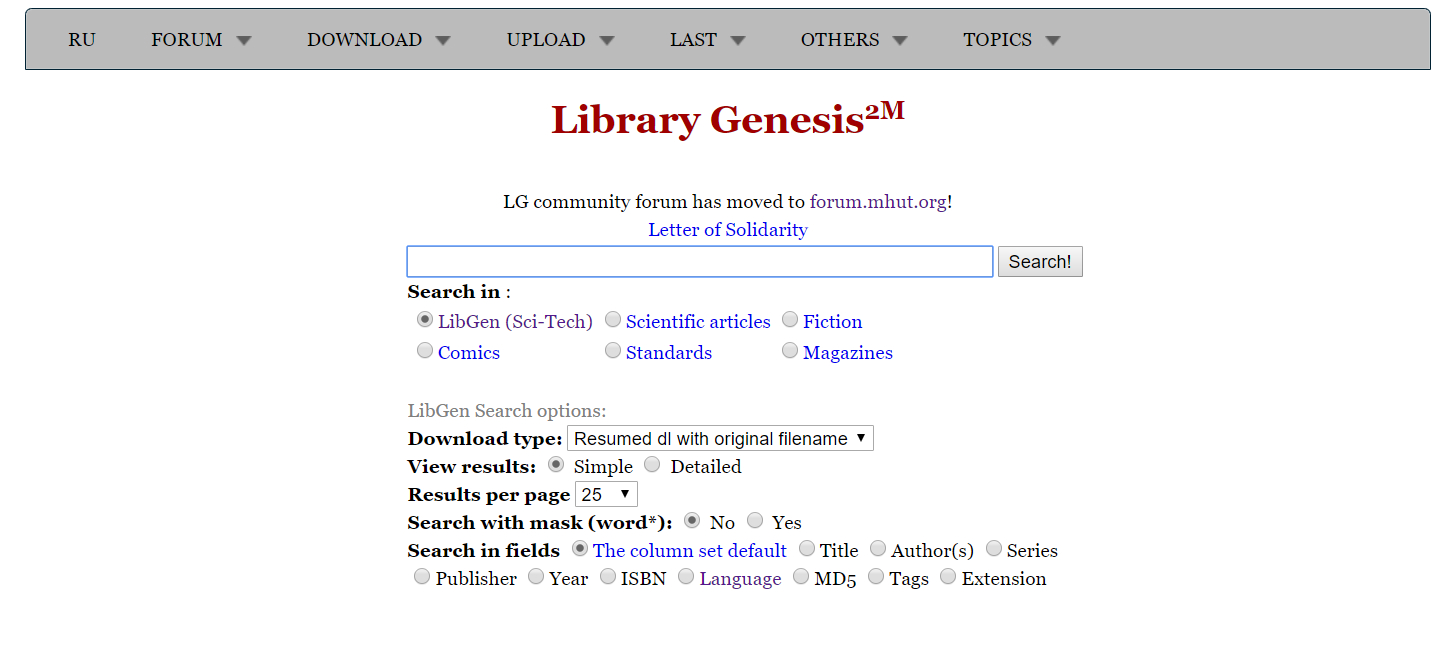
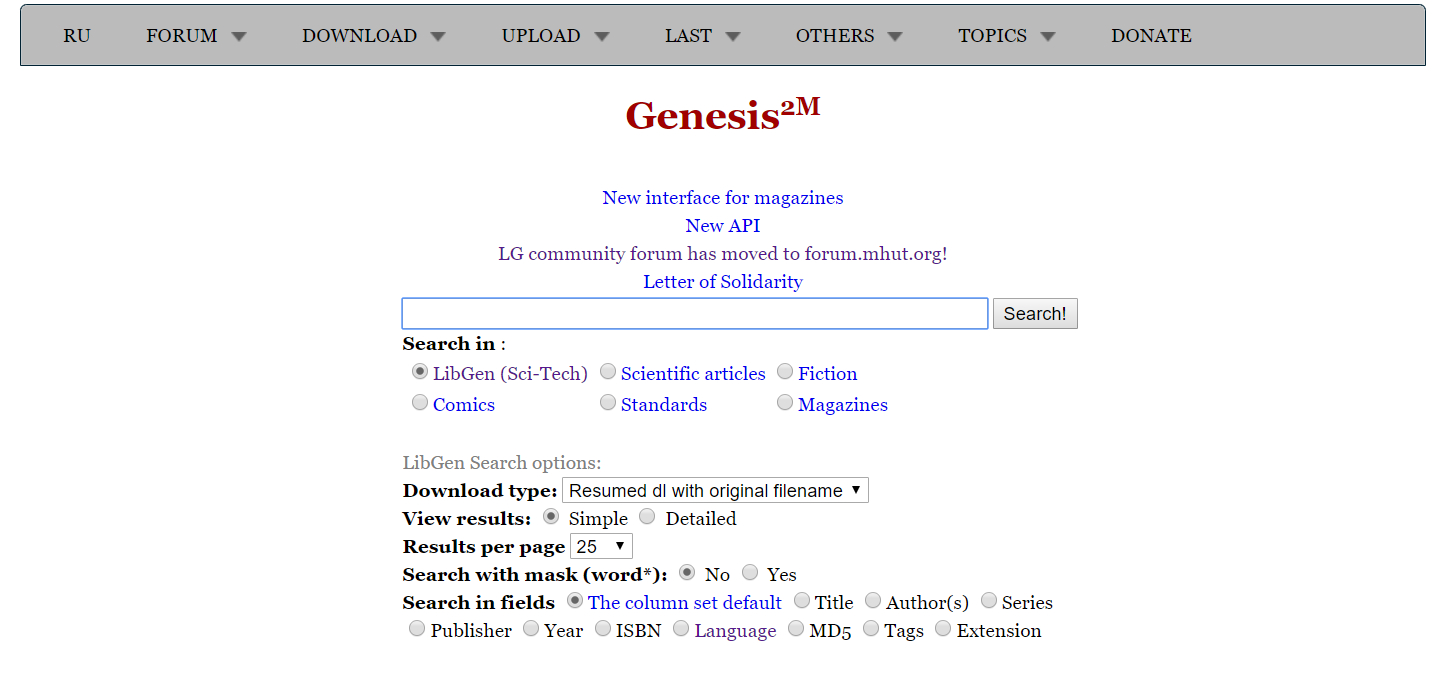
PS: This project’s collection is also extremely comprehensive. Besides textbooks, there are other books, articles, and magazines available for download.
2.3 Some Miscellaneous Sites
The Z-library and LibGen projects can usually satisfy the vast majority of needs. In other words, if you can’t find the resource in either of these two projects, your chances of finding it by other means aren’t great either. But this isn’t absolute: the internet is huge, new information is uploaded every day, and the books these two projects cover are still limited. Below are a few more miscellaneous sites that may turn up something new.
2.3.1 EBBOKEE
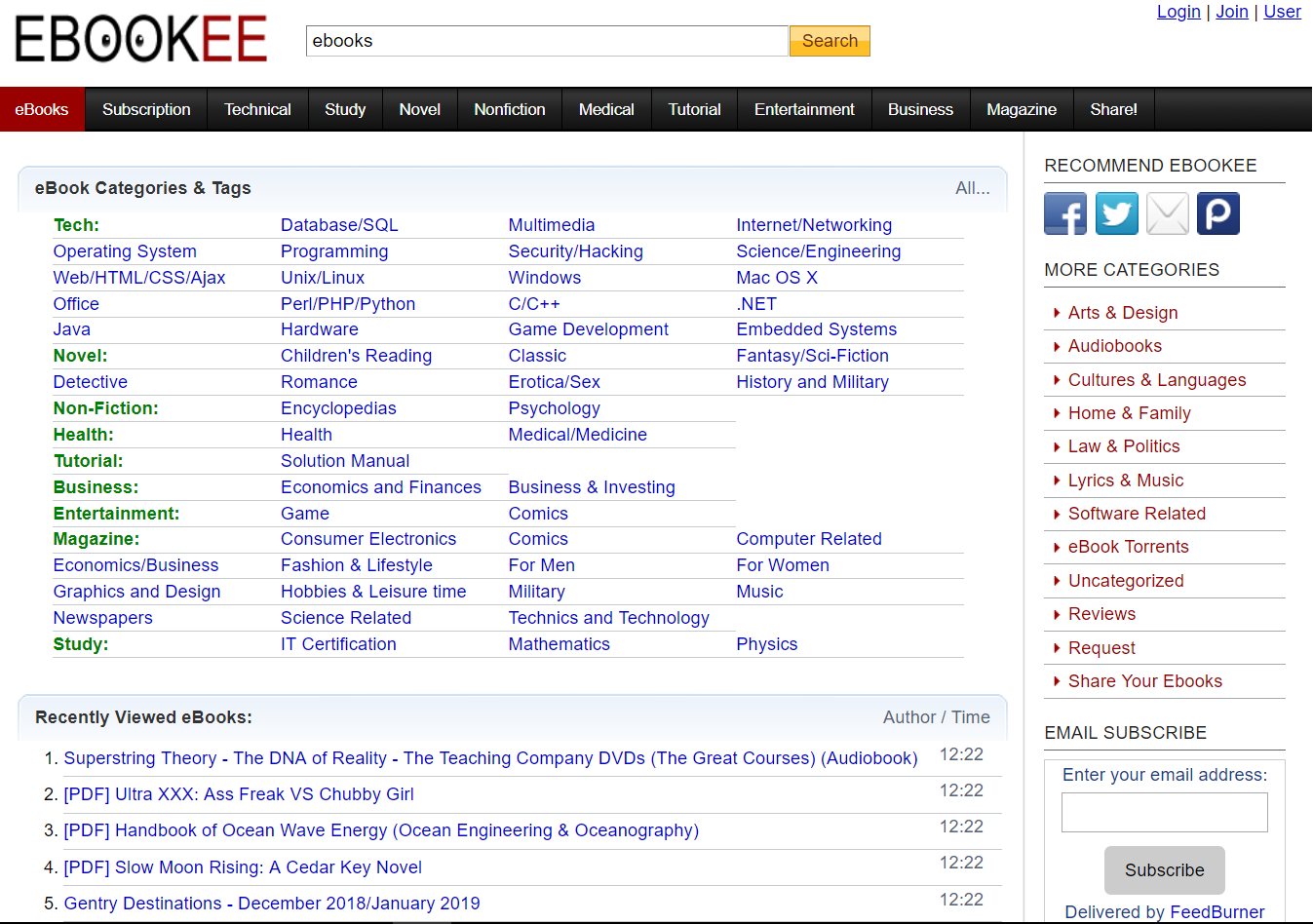
EBookEE is also an English e-book search site I use often, and it has one of the broadest selections among these sites.
2.3.2 FreeBookSpot
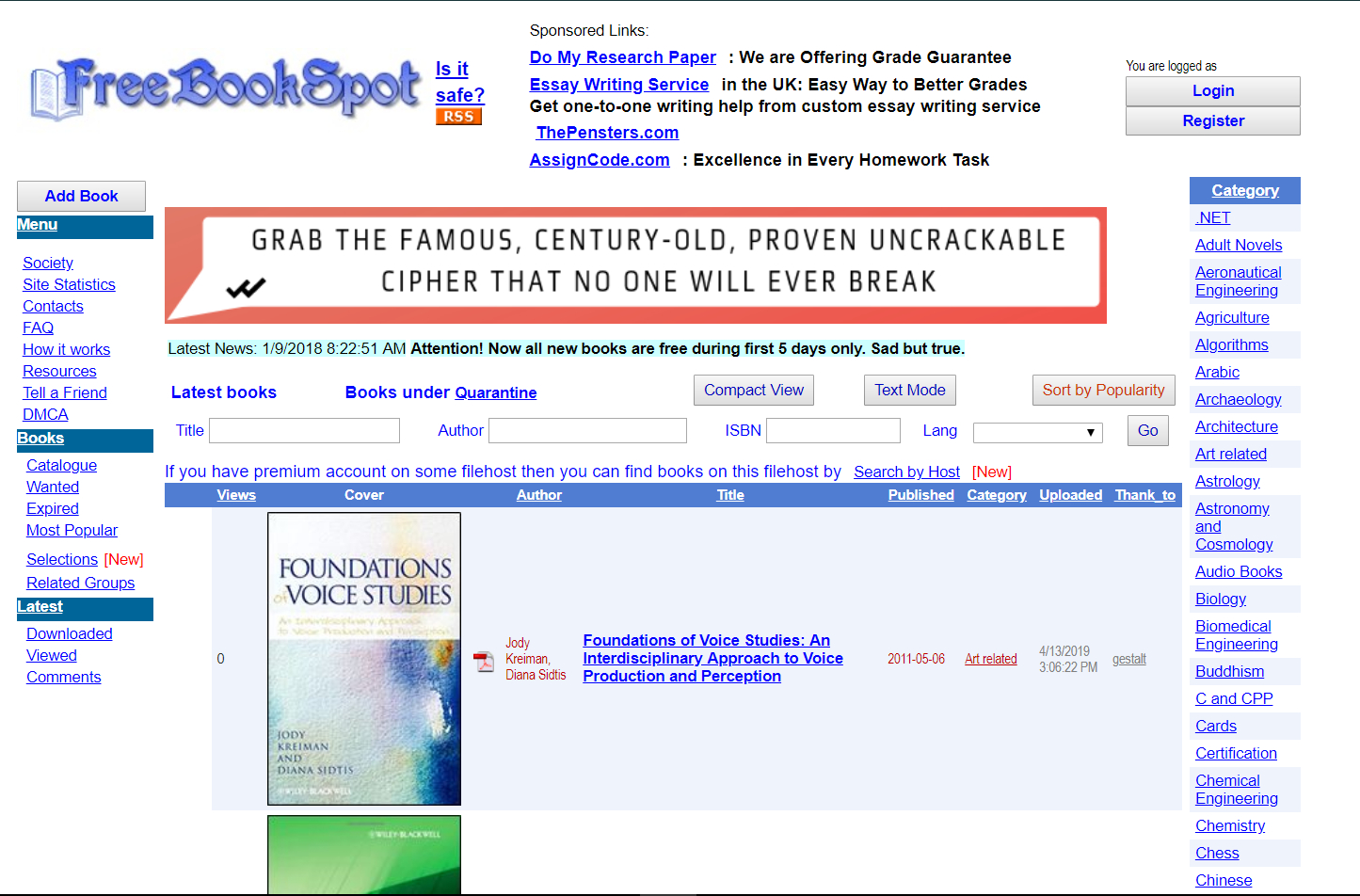
No registration needed; download directly.
2.3.3 Free-Ebooks
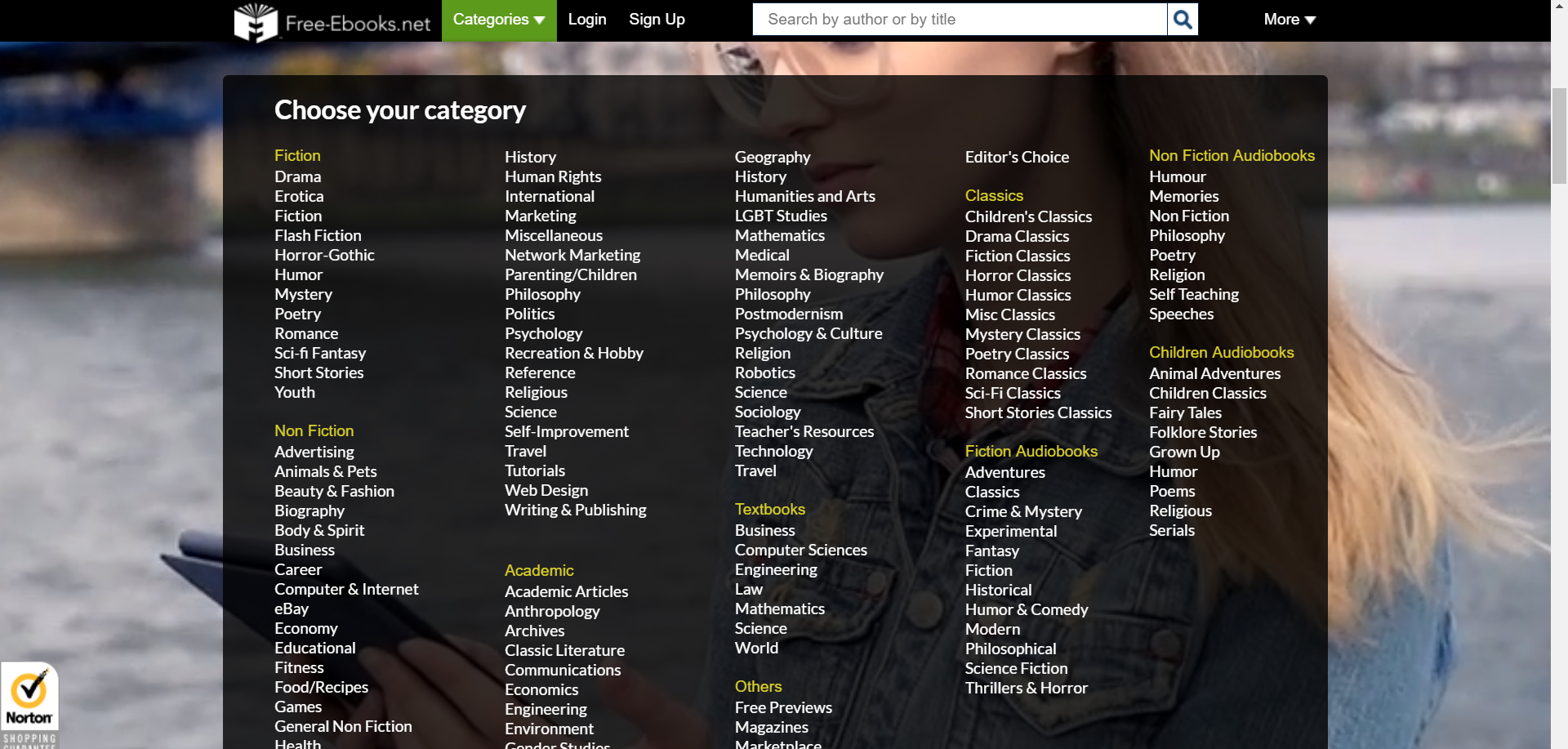
You can download only after registering for free.
2.3.4 ManyBooks
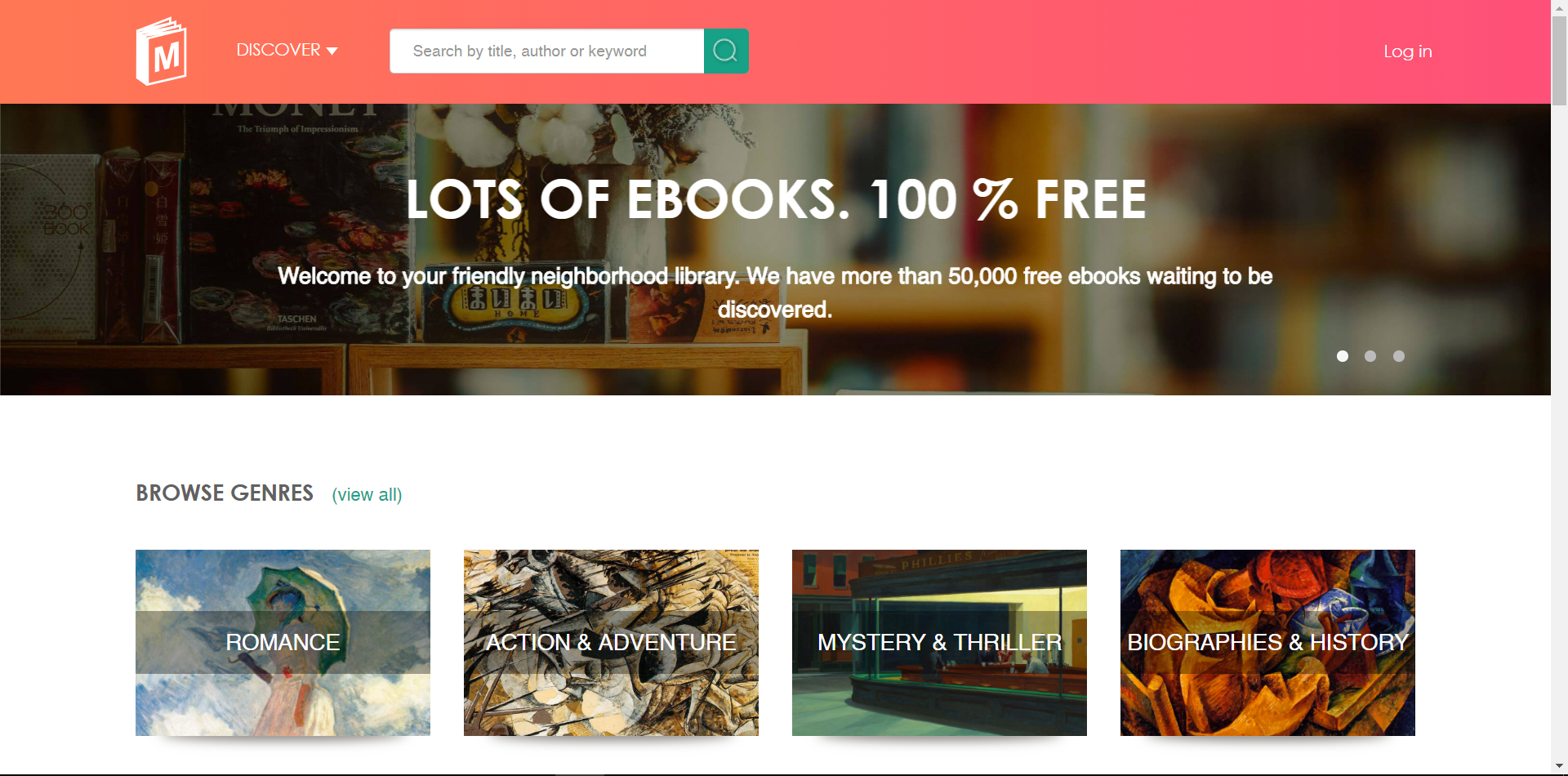
“It offers more than 20,000 free e-books. You can search by category, author, title, and language, and each book comes with a synopsis including the title, author, country, and a content summary. All e-books can be downloaded and saved in dozens of e-book formats, such as Doc, PDF, RTF, JAR, TXT, and so on.”
2.3.5 Free Computer Books
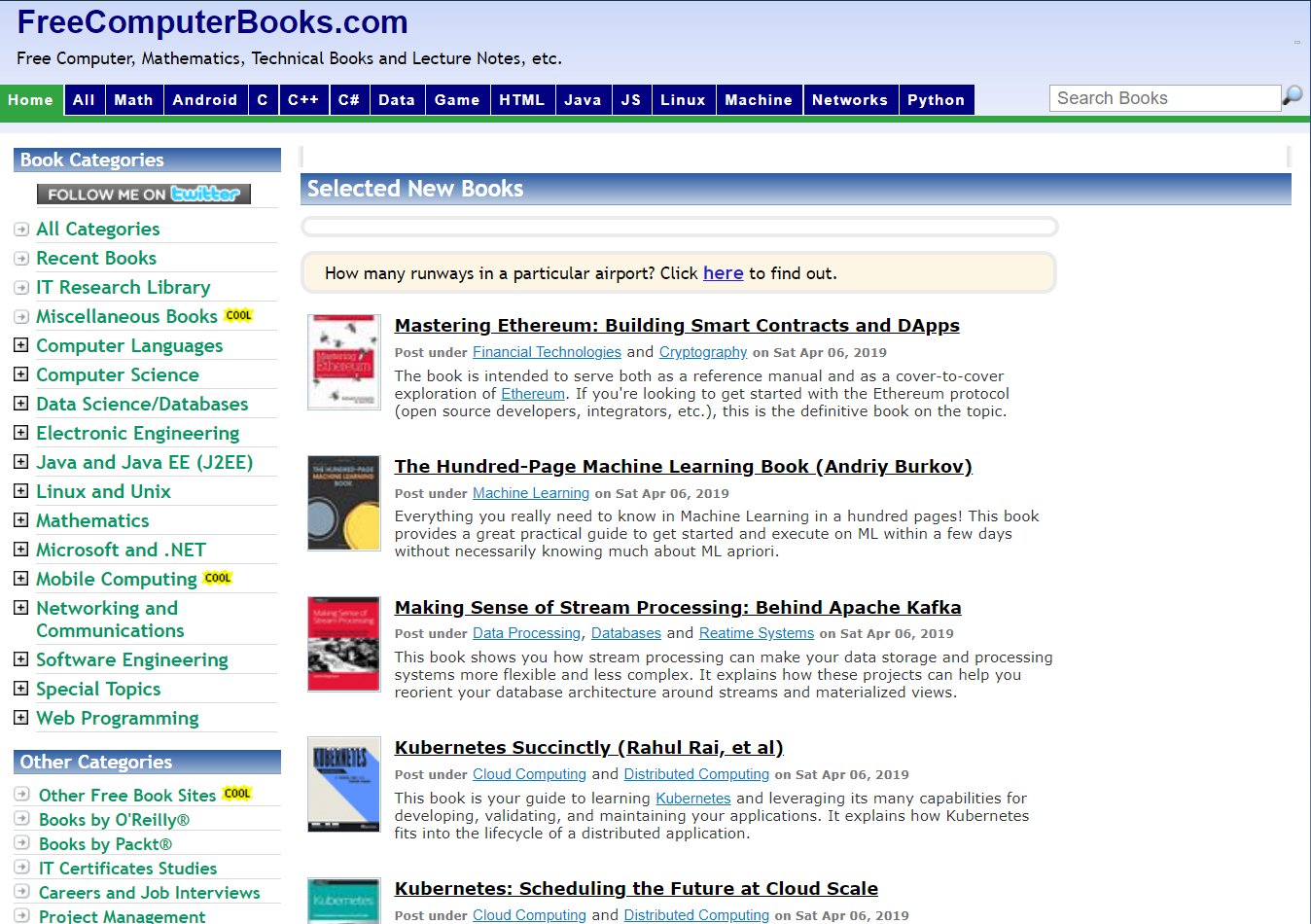
A site dedicated to collecting e-books on computing, logic, mathematics, presentations and talks, tutorials, and other specialized knowledge. The site has a category system up to 12 levels deep, with more than 150 subcategories.
2.3.6 FreeTechBooks
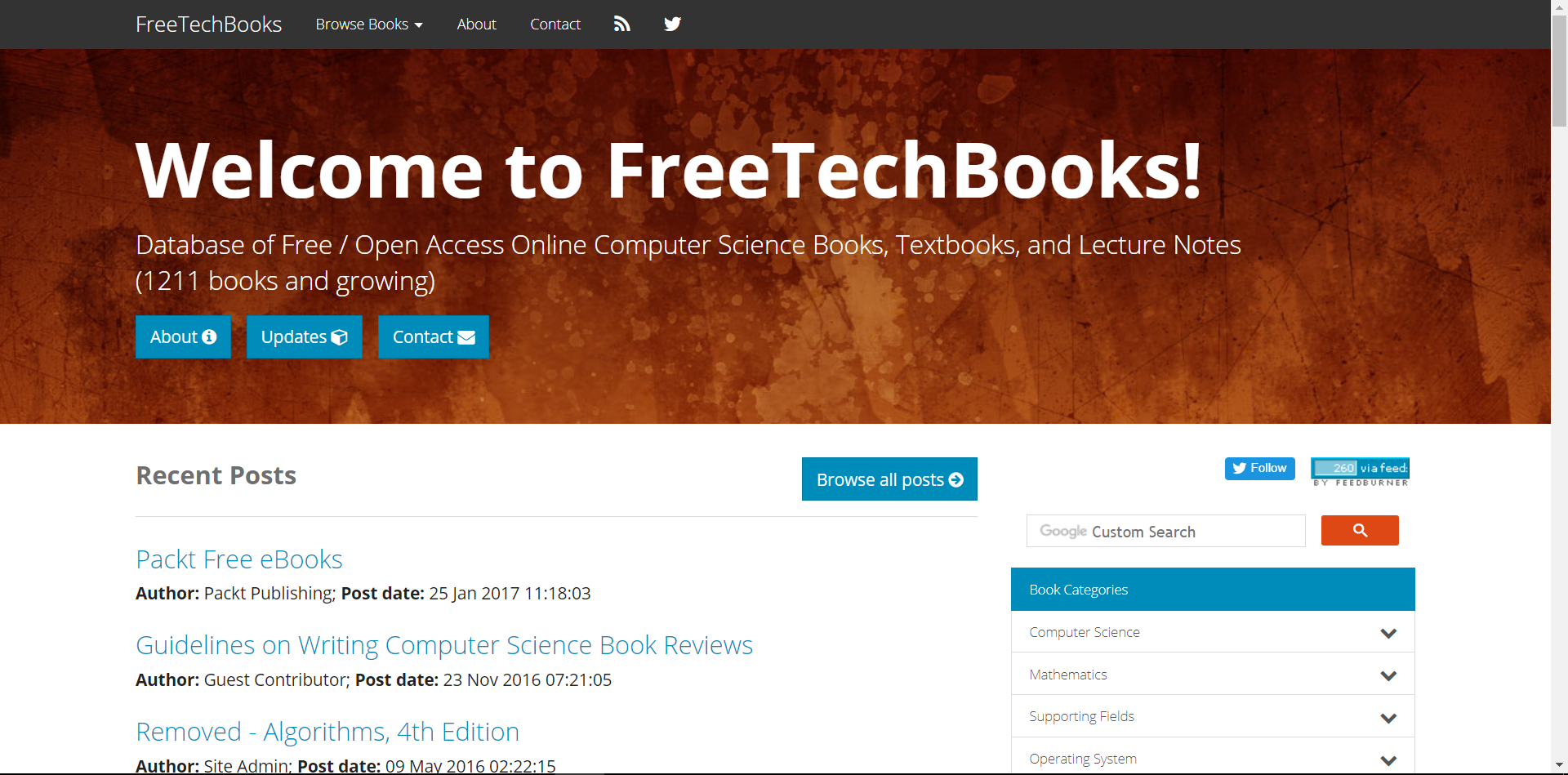
Database of Free / Open Access Online Computer Science Books, Textbooks, and Lecture Notes (1211 books and growing)
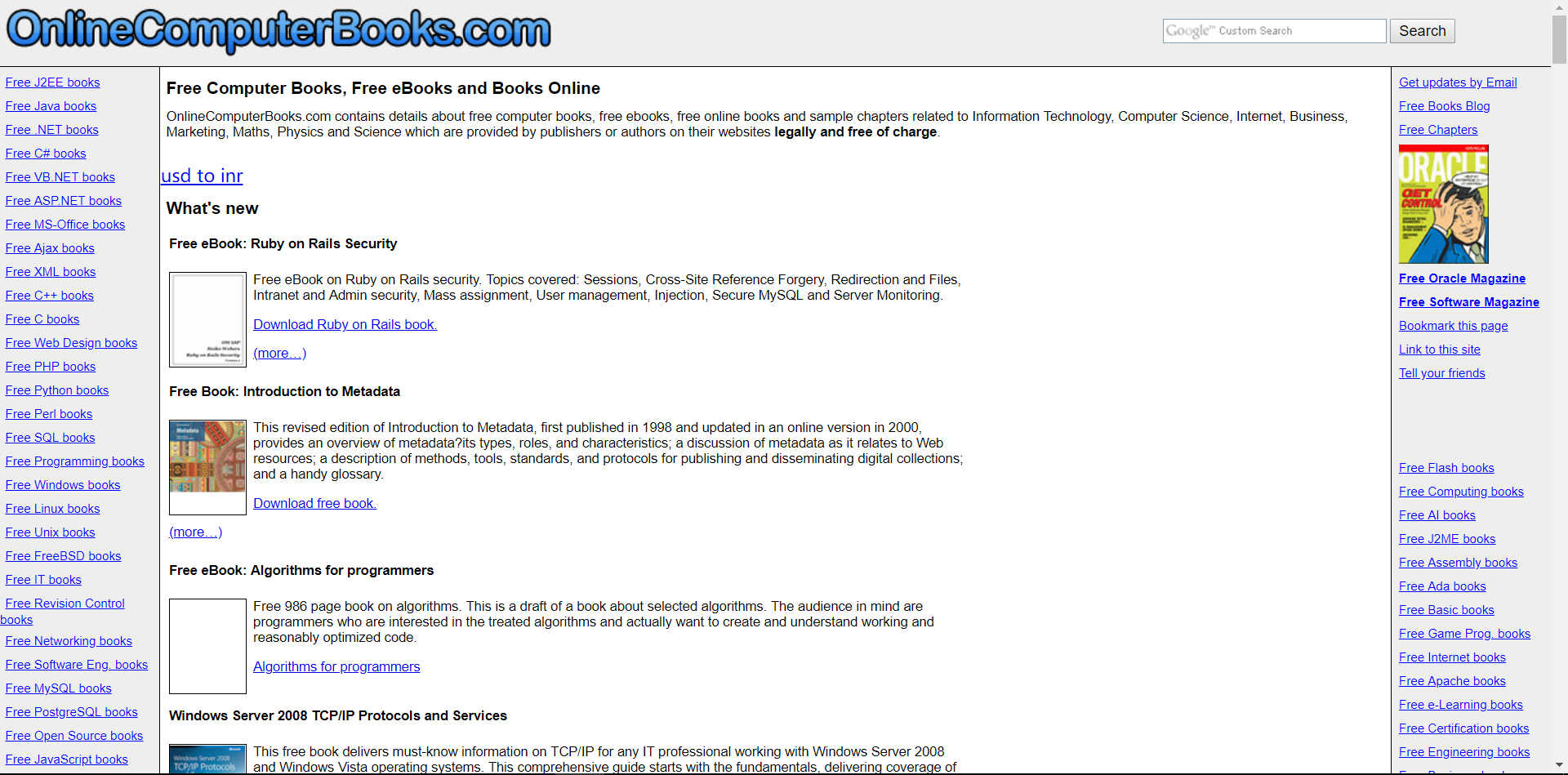
2.3.7 Online Computer
2.4 Github
GitHub was mentioned in the previous installment, “How to Find Chinese E-Textbooks.” In fact, GitHub has far more English book resources than Chinese ones. Of course, the main subjects are still computer science and mathematics.
Here are a few examples.
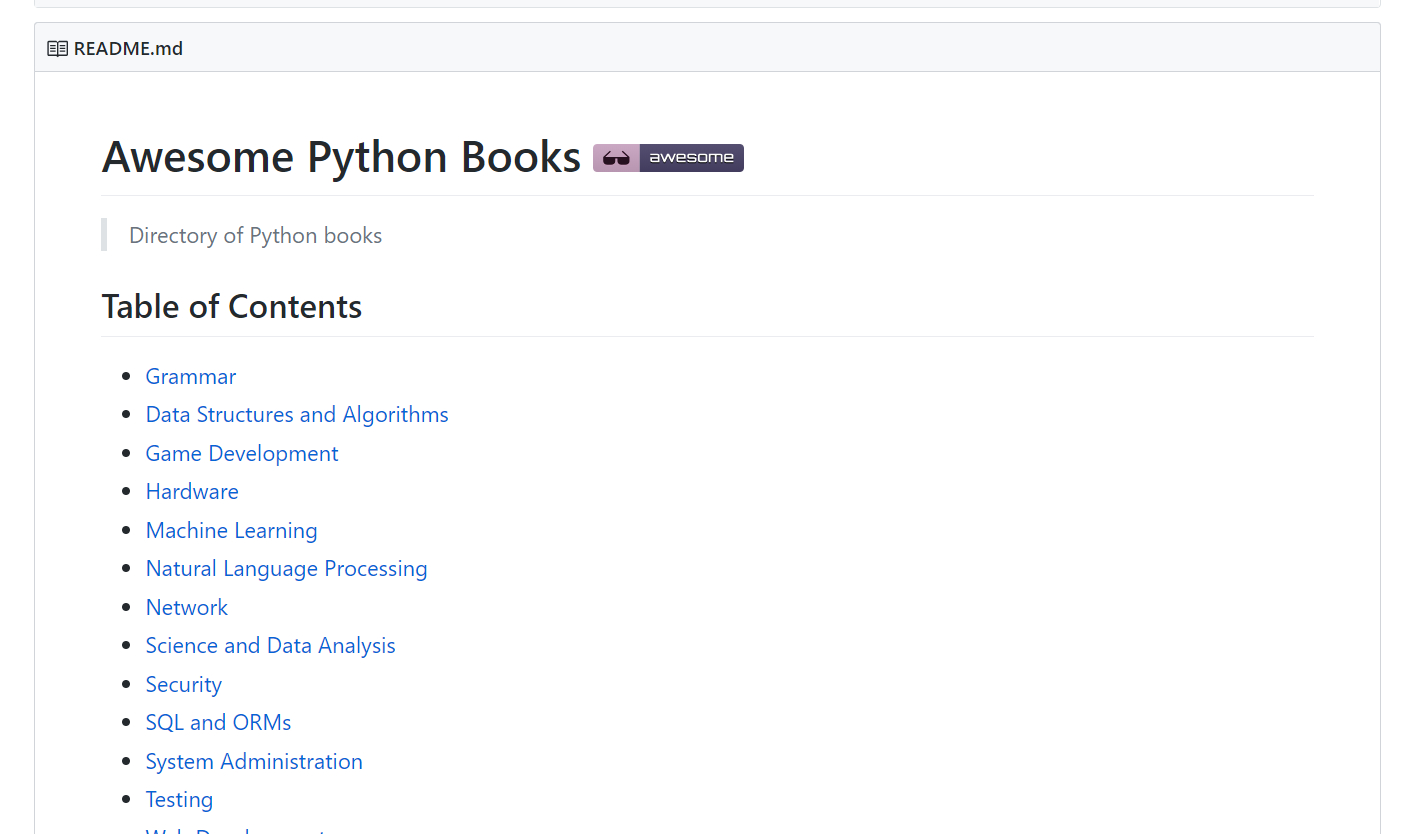
2.4.1 Directory of Python books
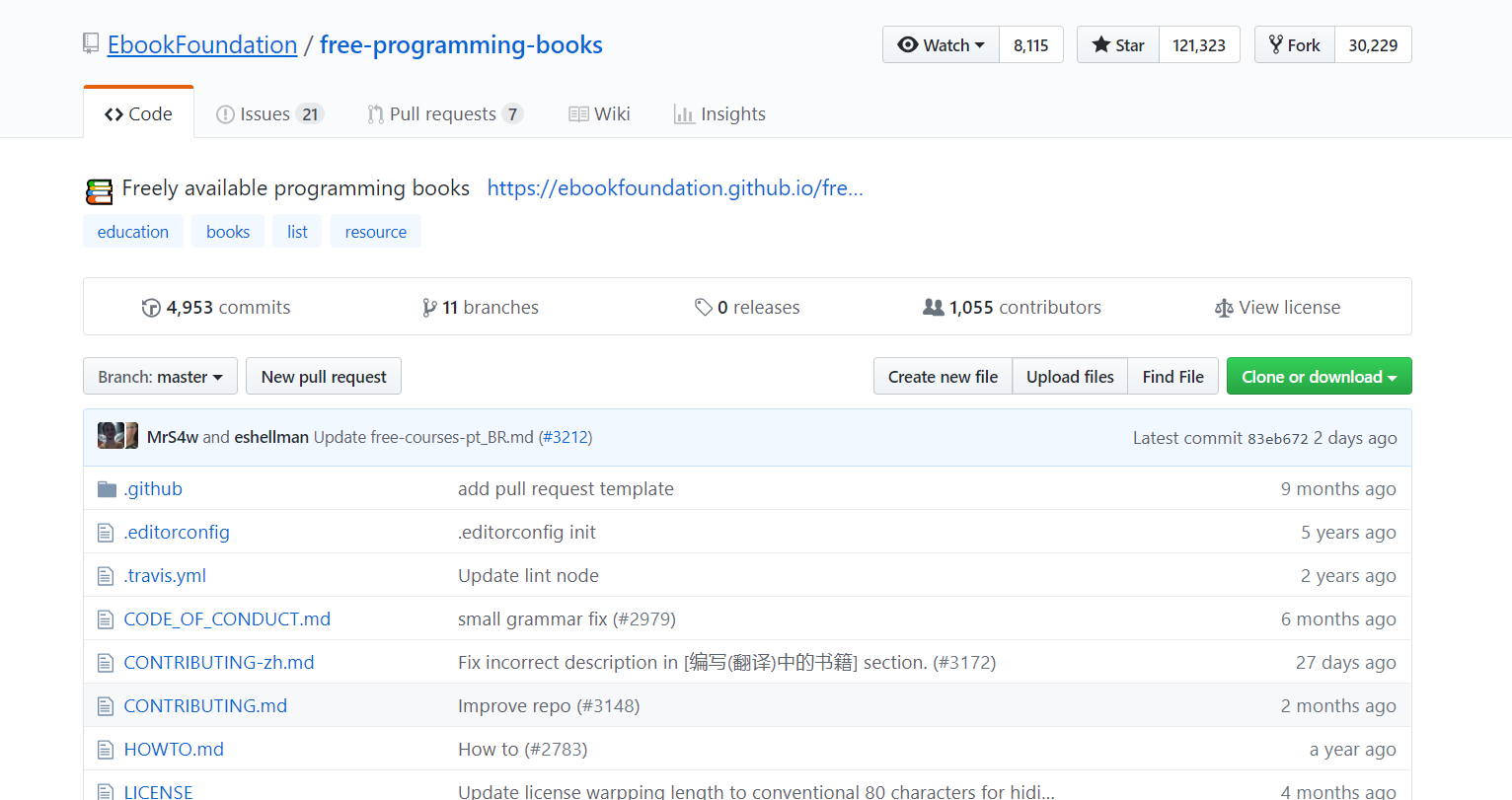
2.4.2 EbookFoundation
Tip: searching “awesome” plus the keyword you want often brings unexpected rewards. 🥚
2.5 Searching with General-Purpose Search Engines
If you’ve reached this step, then either your book is fairly new and the big sites haven’t picked it up, or it’s fairly obscure and very few people need it.
But the internet is huge, and the power of netizens is boundless. This is when we need a general-purpose search engine. I recommend Google or one of its mirror sites.
Of course, there are techniques to searching too.
2.4.1 Make Good Use of “filetype:”
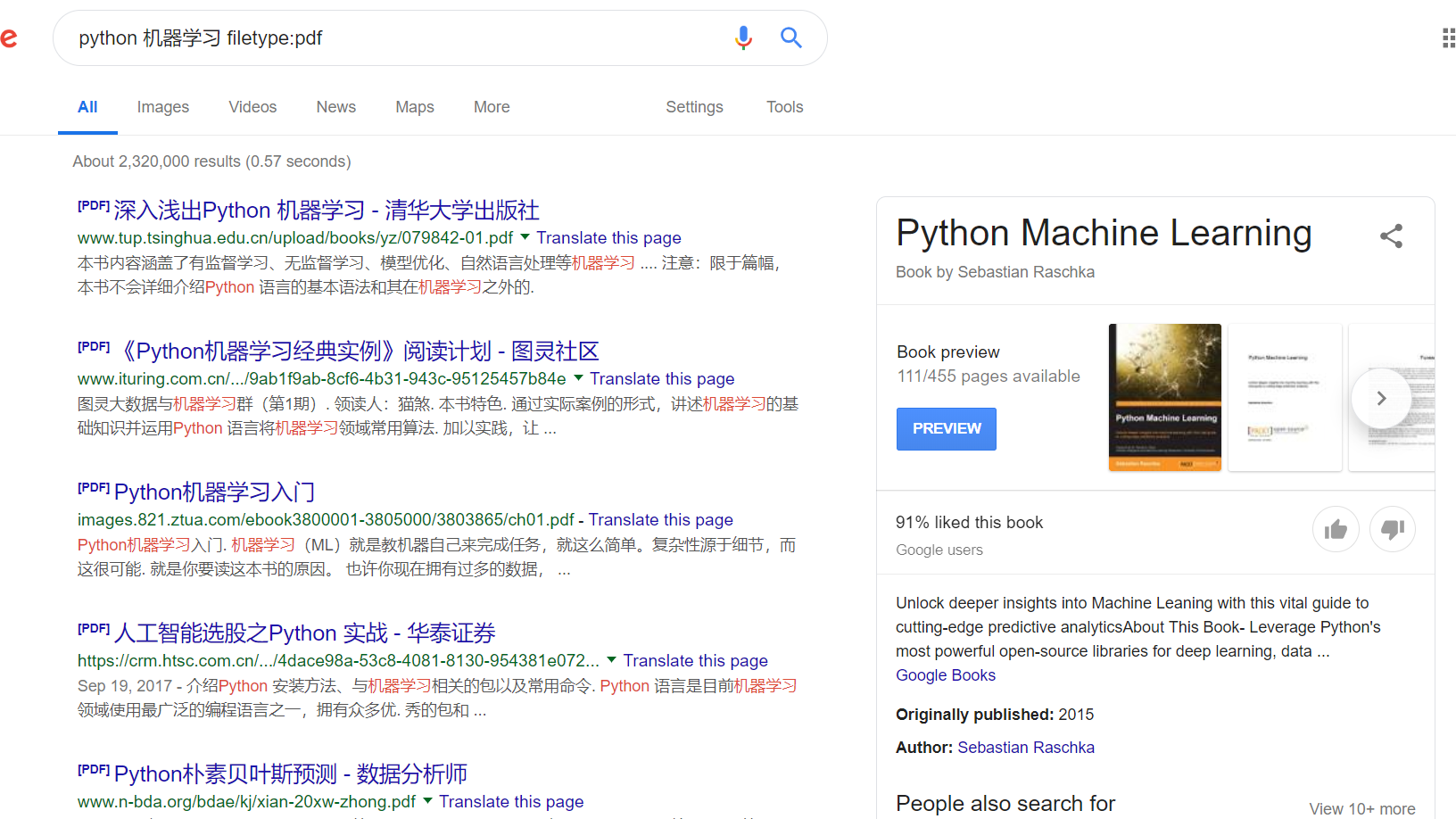
Note: the colon is an English colon
filetype shows only results of a certain file type, such as .doc .pdf .xls .ppt .txt
2.4.2 Make Good Use of English Double Quotes ""
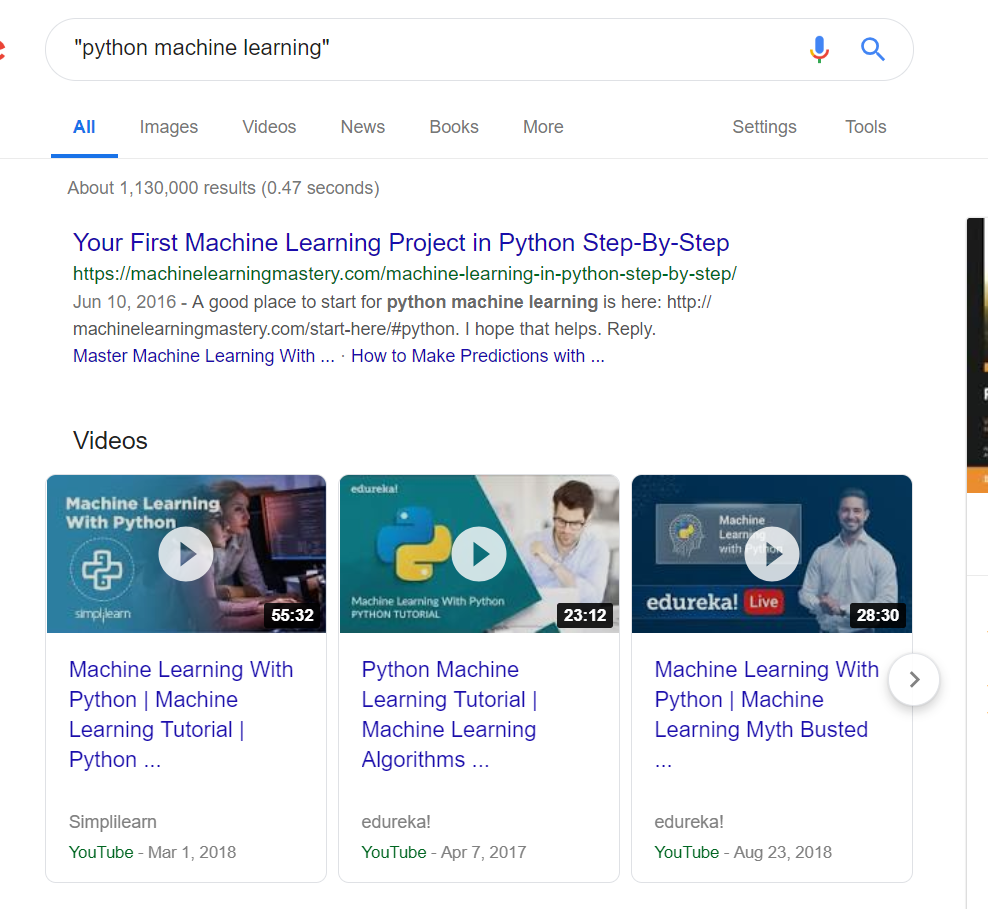
What’s inside the double quotes is an exact match, meaning the result must contain exactly the same content as inside the quotes. This is handy when searching among many similar books.
2.4.3 Make Good Use of “-”
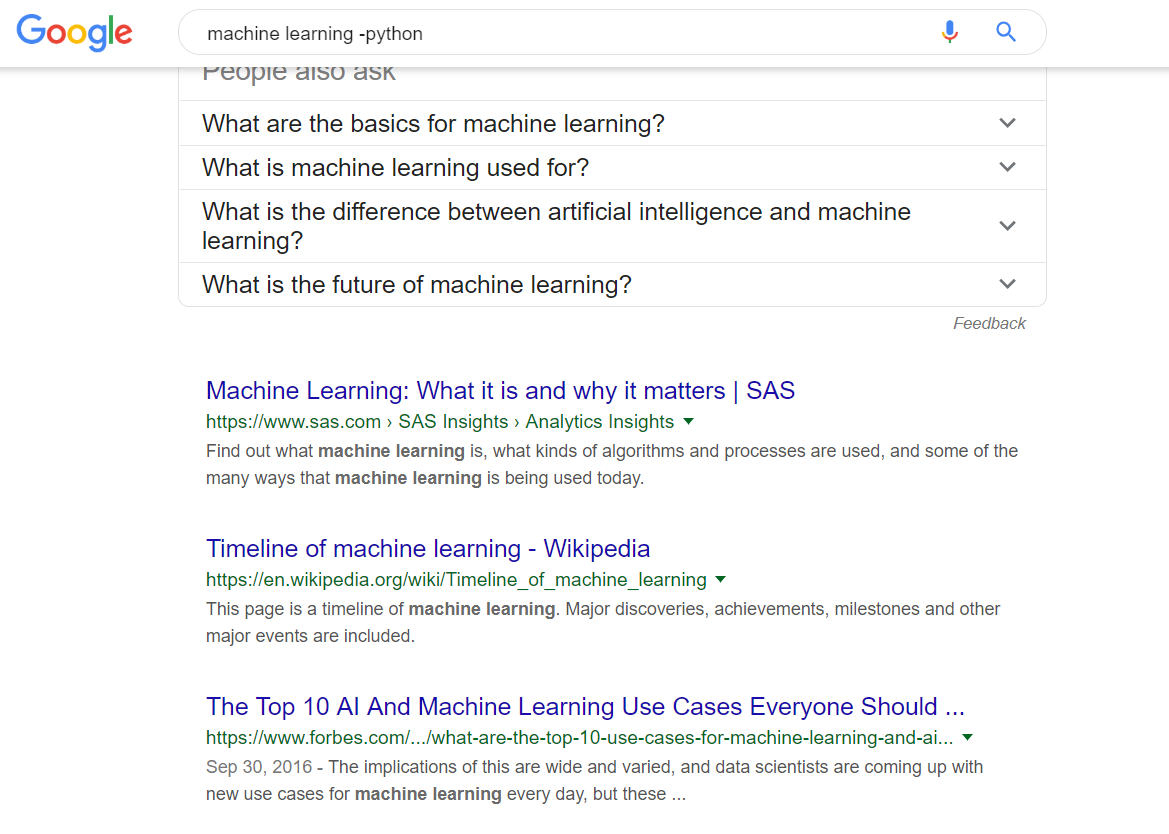
The minus sign is usually used to exclude certain search content. The figure shows the results for machine learning searches that don’t contain python.
Note: there must be a space between the preceding keyword and the minus sign, and no space between the minus sign and the following keyword.
2.4.4 More Search Syntax Tips
There are many more search syntax tricks, which I won’t expand on here. You can refer to this article to learn about them. Of course, knowing just a few common ones can greatly improve your search efficiency.
PS: Most search engines today are keyword-based rather than semantic, so don’t type “how to find the book Learn Python the Hard Way” 🙃🙃🙃. Instead, break it into keywords, such as “Learn Python the Hard Way python”.
3 Other
3.1 E-Textbook Project 📚
In my last article I launched the “E-Textbook Project.” The goal is to build a library of textbooks organized by subject, to help you find the textbooks you need faster. If you’re interested, click here to learn more.
3.2 Mastering PDFs Series
From finding books to processing PDFs, and then to choosing readers on each platform, this tutorial series is all you need.
Why do we need the “Mastering PDFs” series?
First, with iPads and Surface devices becoming increasingly popular, more and more people are choosing digital ways of learning. But many people either can’t find digital study materials, or find materials of poor quality, which greatly hurts the efficiency of digital learning.
Second, PDF has cross-platform compatibility: whether on Windows, Mac, Linux, Android, or iOS, a PDF displays the same way. This also makes PDF the release format for the vast majority of textbooks, reports, and articles. But many people know very little about PDF and don’t know how to handle common PDF-related problems.
Next installment preview: How to Find General-Interest Books