Translated from the Chinese original.
0 Introduction
In the menu of my WeChat official account, I created a “Textbook Library” and put some computer science and math textbooks in it. My original intention was just to make them easier for people who need them to find, and to save everyone as much time as possible. But as my follower count has grown, requests in the backend for me to put out tutorials have become more and more frequent. And fair enough: give a man a fish and you feed him for a day; teach him to fish and you feed him for a lifetime. 📚
After all, compared with audio and video courses, books convey information more systematically and more comprehensively. Knowledge learned from books is also easier to review.
Getting e-books should not be a barrier for us.
Since I’m doing this, I’m doing it thoroughly: I’ve polished a tutorial collection called the Mastering PDF Series. It covers the whole workflow, from finding books to processing PDFs to choosing a reader on each platform.
For general PDF questions, this set of tutorials is all you need. 👌
Why do we need a tutorial set like the “Mastering PDF Series”?
First, with iPads and Surface devices becoming increasingly popular, more and more people are choosing digital learning. But many people either can’t find digital learning materials, or the materials they find are of low quality, which greatly hurts the efficiency of digital learning.
Second, PDF has cross-platform compatibility: whether it’s Windows, Mac, Linux, Android, or iOS, a PDF looks the same. This property has also made PDF the release format for the vast majority of textbooks, reports, and articles. But many people know very little about PDF, and don’t know how to deal with common PDF-related problems.
Alright, enough talk. Let’s get to today’s topic: how to find Chinese textbooks.
A note before we start:
There are many reasons people search for PDF textbooks. Perhaps they’re tired of the weight of paper books, or perhaps they can’t afford the original price. But whatever the purpose, I still strongly recommend that you buy a genuine copy of the corresponding book to support the author. This is respect for other people’s work.
1 Background on Chinese E-Textbooks
Chinese textbooks are not digitized as well as English ones. English textbooks are mostly output directly from source documents, while Chinese textbooks are mostly obtained by scanning printed books. That’s why, for the same book, the English PDF may be only a few MB, while the Chinese translation can balloon to over a hundred MB. Also, a scanned PDF that hasn’t gone through OCR doesn’t support operations on its text.
Most Chinese PDF textbooks on the market come from one of four sources: leaked library scans, personal scans uploaded by individuals, open-source books (rare), and leaked files from publishers (rare).
Once you know the sources, you can tailor your approach. Here’s how to find them. 👀
PS: Textbooks in Word, mobi, or Epub formats can also be converted to PDF with the right software. For details, see Can’t tell mobi / epub / azw3 book formats apart?
2 Ways to Get Chinese PDF Textbooks
2.1 Cloud Drive Search Engines
File sharing in China mostly relies on cloud drives, and textbooks are no exception. Besides Baidu Netdisk, these include a host of other cloud storage providers such as Weipan (Sina), Lanzou Cloud, and Chengtong Netdisk.
But most of these drives don’t offer a search function. Here, “search” means searching non-publicly shared content. Take Baidu Netdisk as an example: publicly shared files are ones we can search directly. But for shares that come with an extraction code, the official service provides no such search entry point.
This has given rise to a whole batch of cloud drive search engines, such as Cilimao and Xilinjie. There are many more sites like this; just Google it and you’ll find plenty.
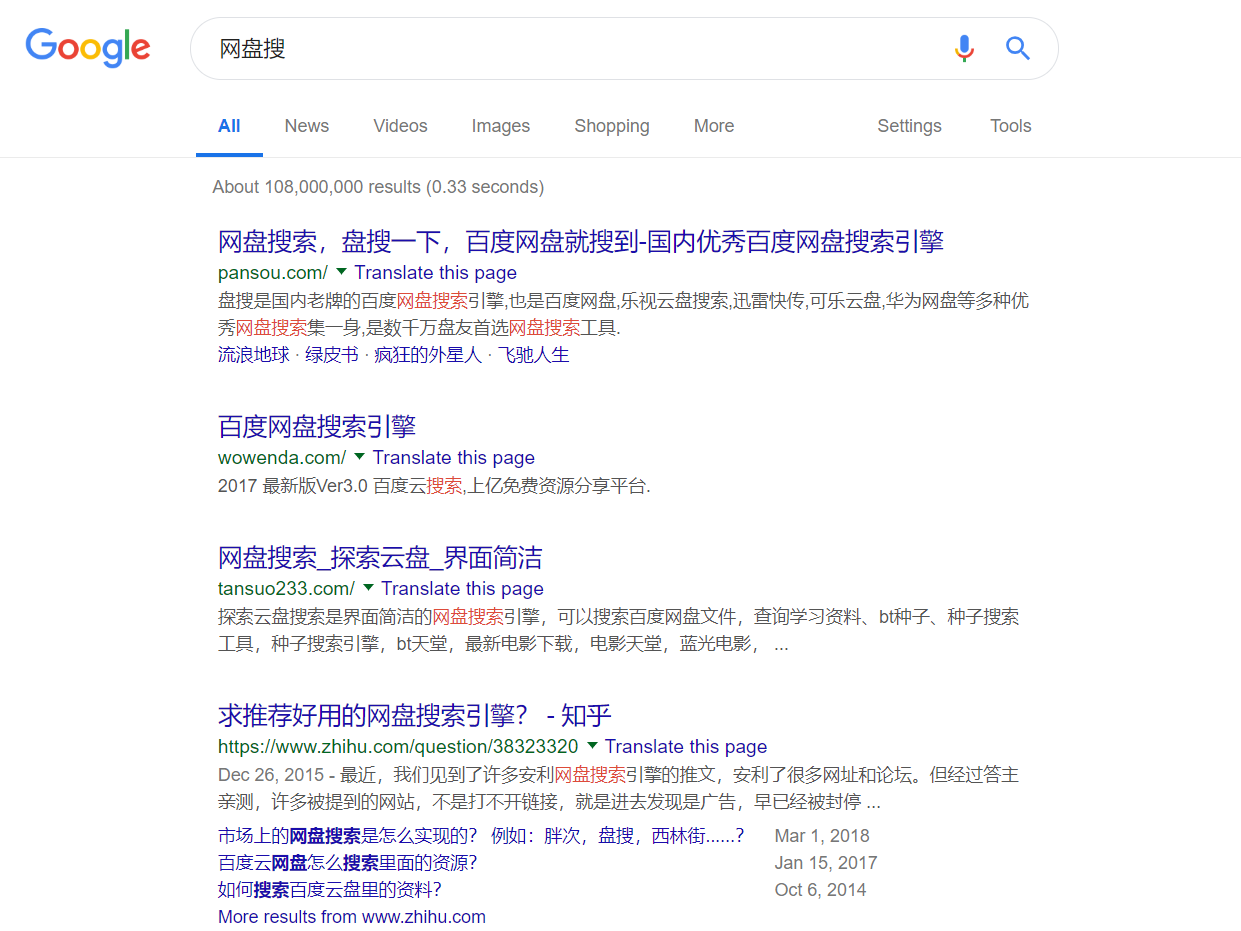
Here are a few recommendations, all of which are aggregated cloud drive search engines 🤞🤞🤞
2.1.1 Chongbuluo Quick Search
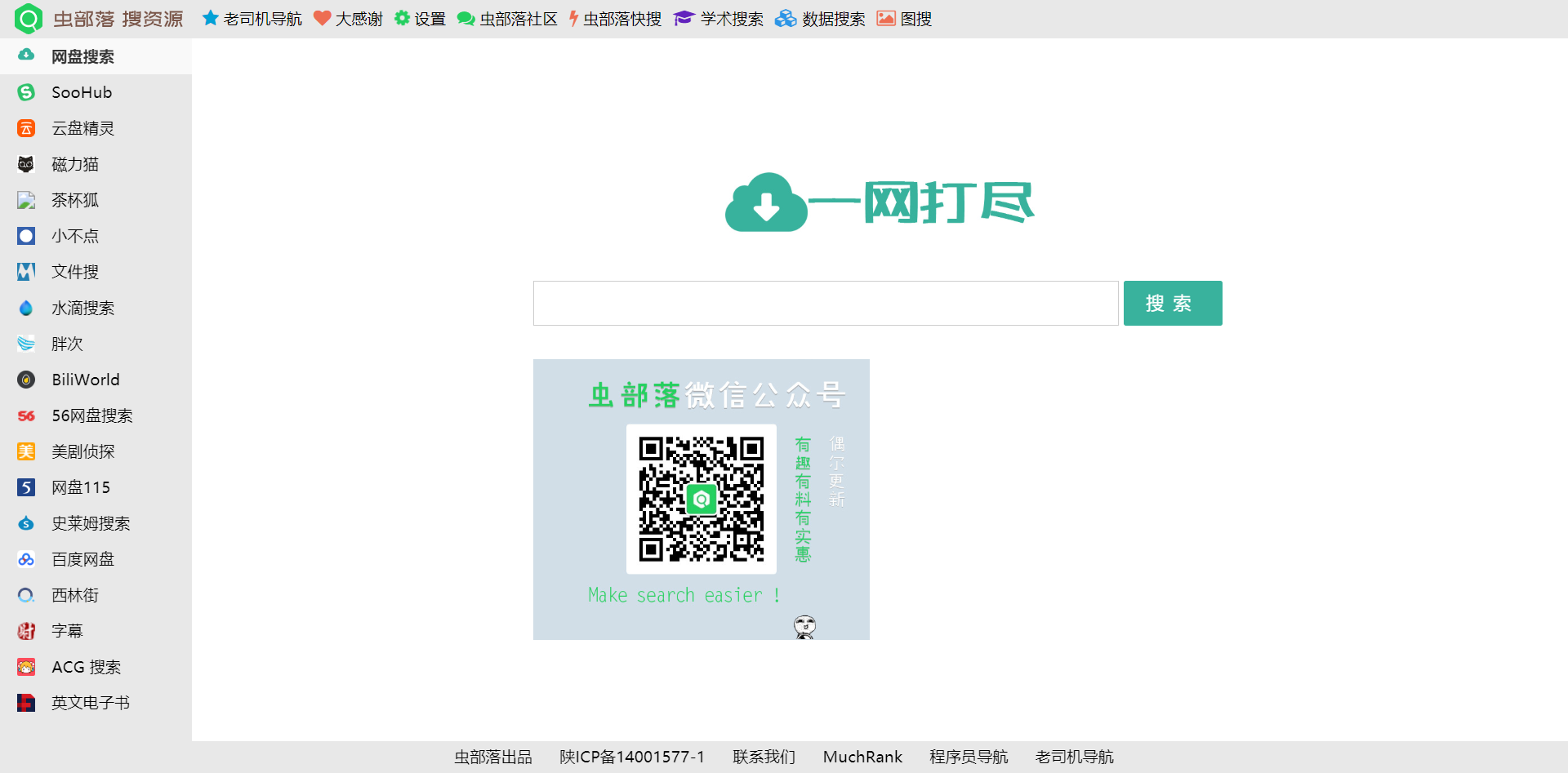
Note the top bar, side bar, and bottom bar
Chongbuluo is far more powerful than this, but since the topic this time is PDF-related, I won’t go into it here.
2.1.2 Longxuan Navigation
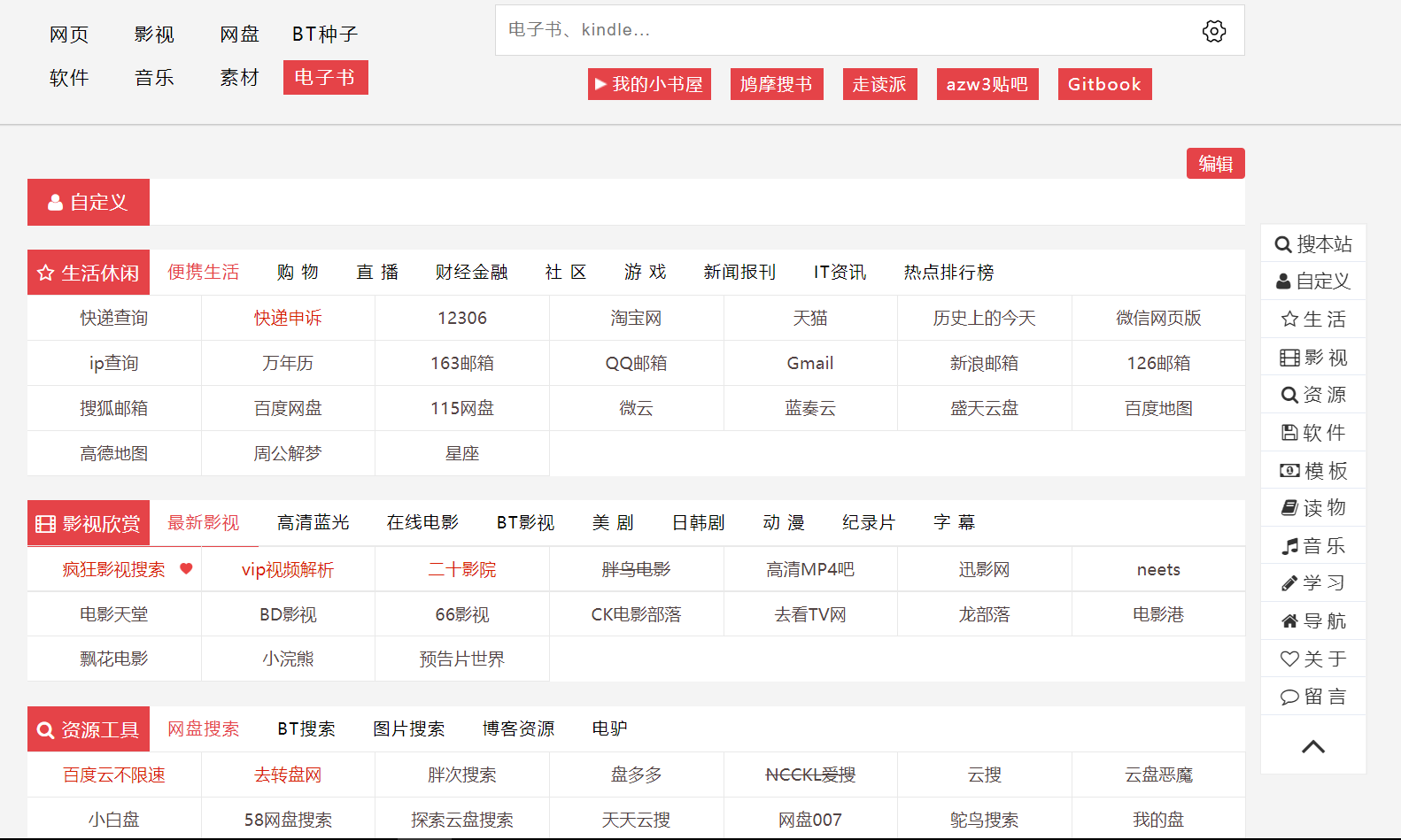
This is also a very powerful navigation page. Besides cloud drive search, it has many other practical features, which I won’t go into either.
2.1.3 Lieshou Navigation
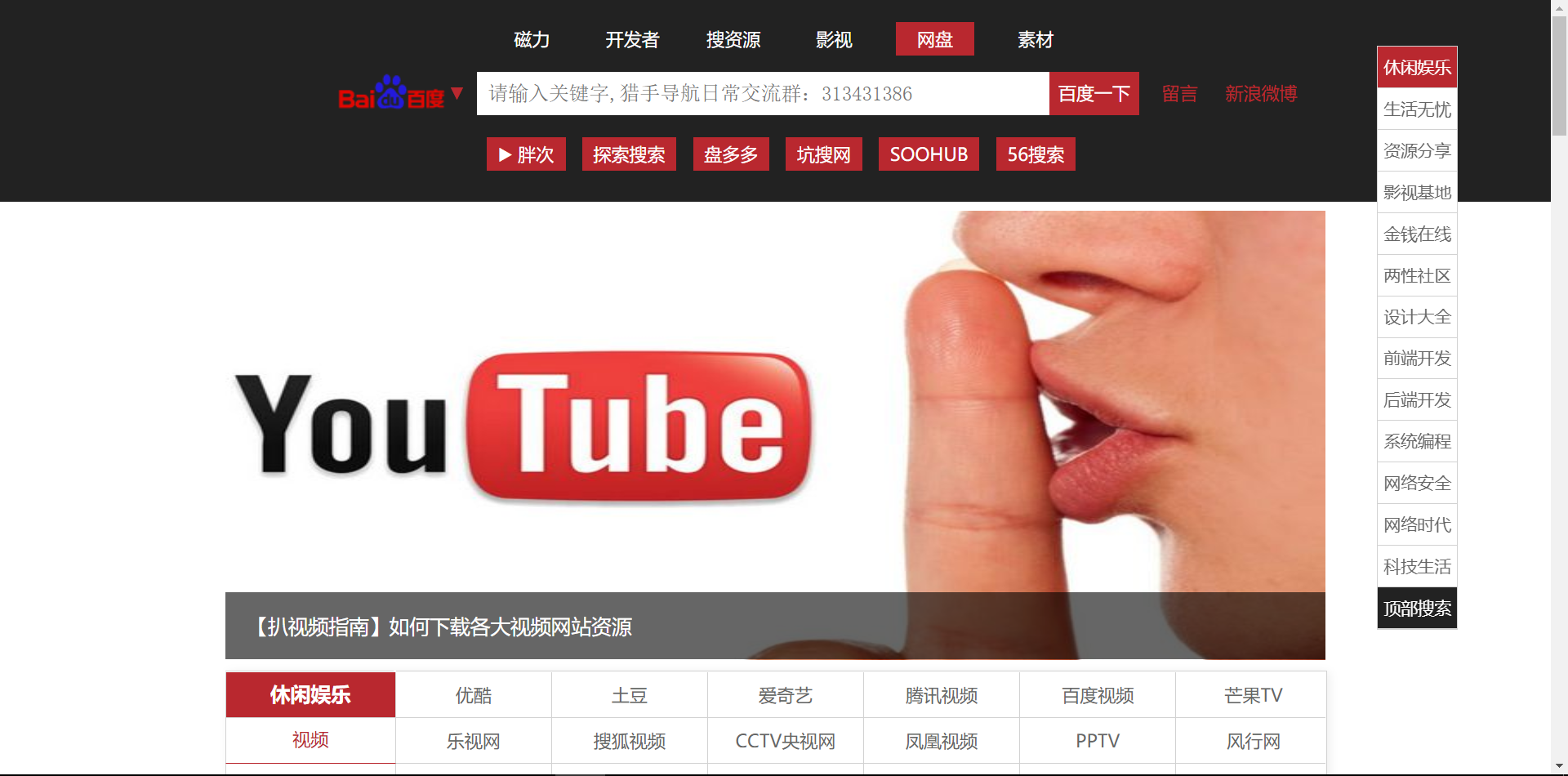
Same here, I won’t go into detail.
As for how to get unthrottled Baidu Netdisk downloads, that will be covered below. 🎁
2.2 Forums and BBS
Some textbooks still can’t be found through cloud drive search. In that case you need to go to the dedicated forum for the relevant subject, and you will most likely find them there.
Here are a few forums commonly used for various subjects ✔✔✔
2.2.1 CSDN
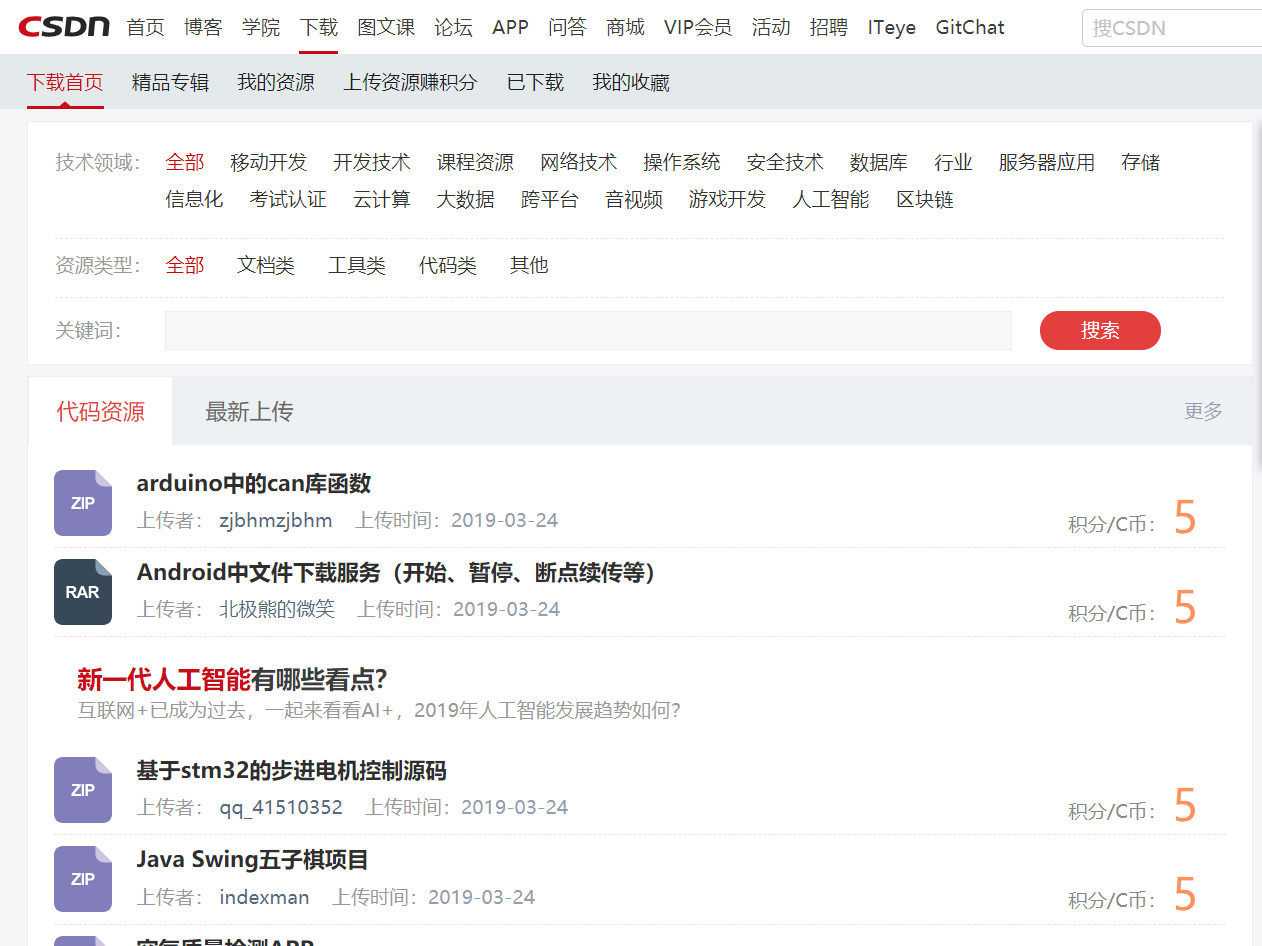
Subjects: mainly computer science and math
Although the quality of CSDN articles isn’t great, it may really be the largest hub of pirated resources in the country. 😶
2.2.2 Muchong
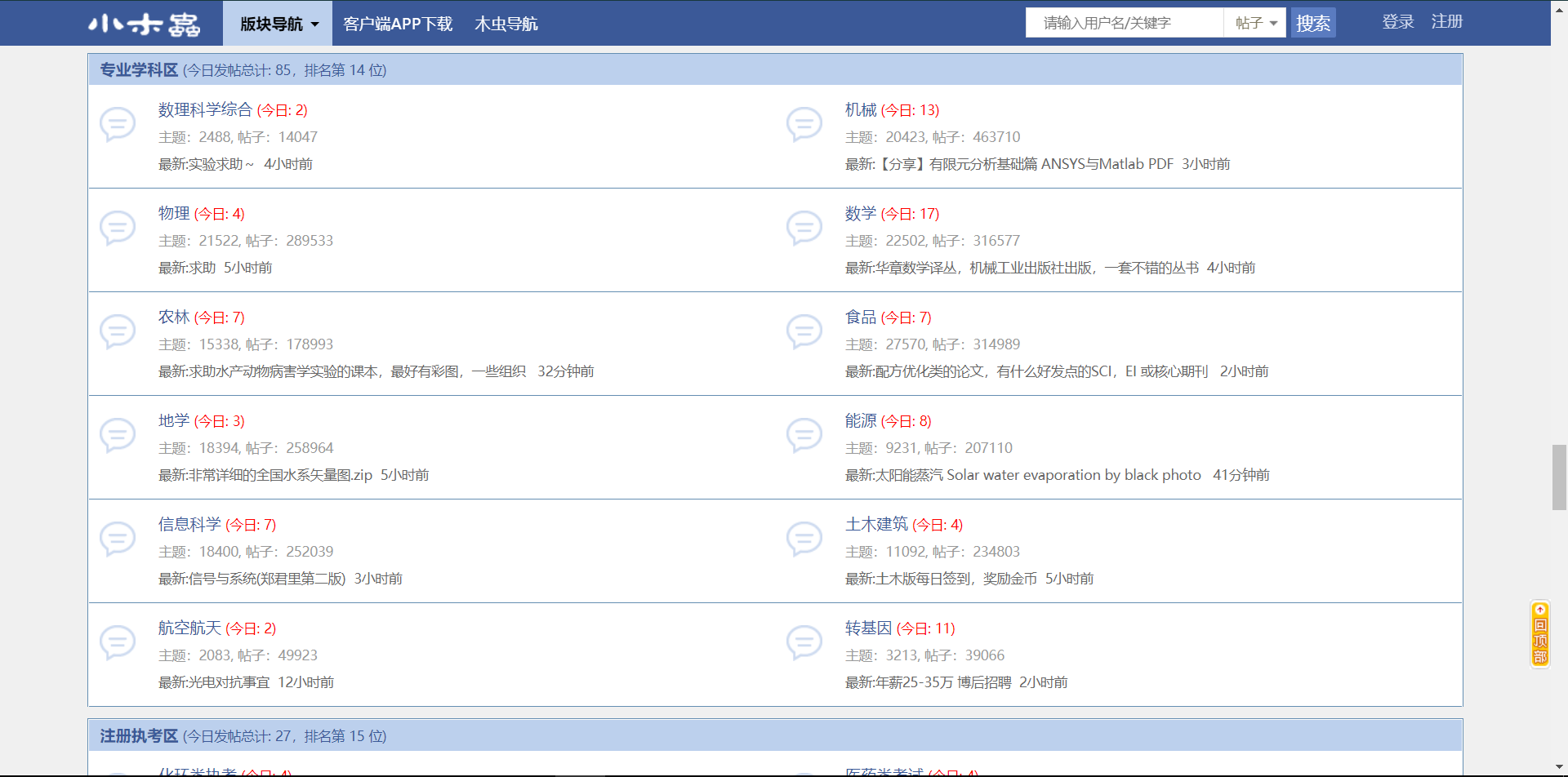
Subjects: mainly science and engineering
The overall atmosphere of the forum is good, and the resources are fairly rich.
2.2.3 Economics & Management Home (Pinggu)
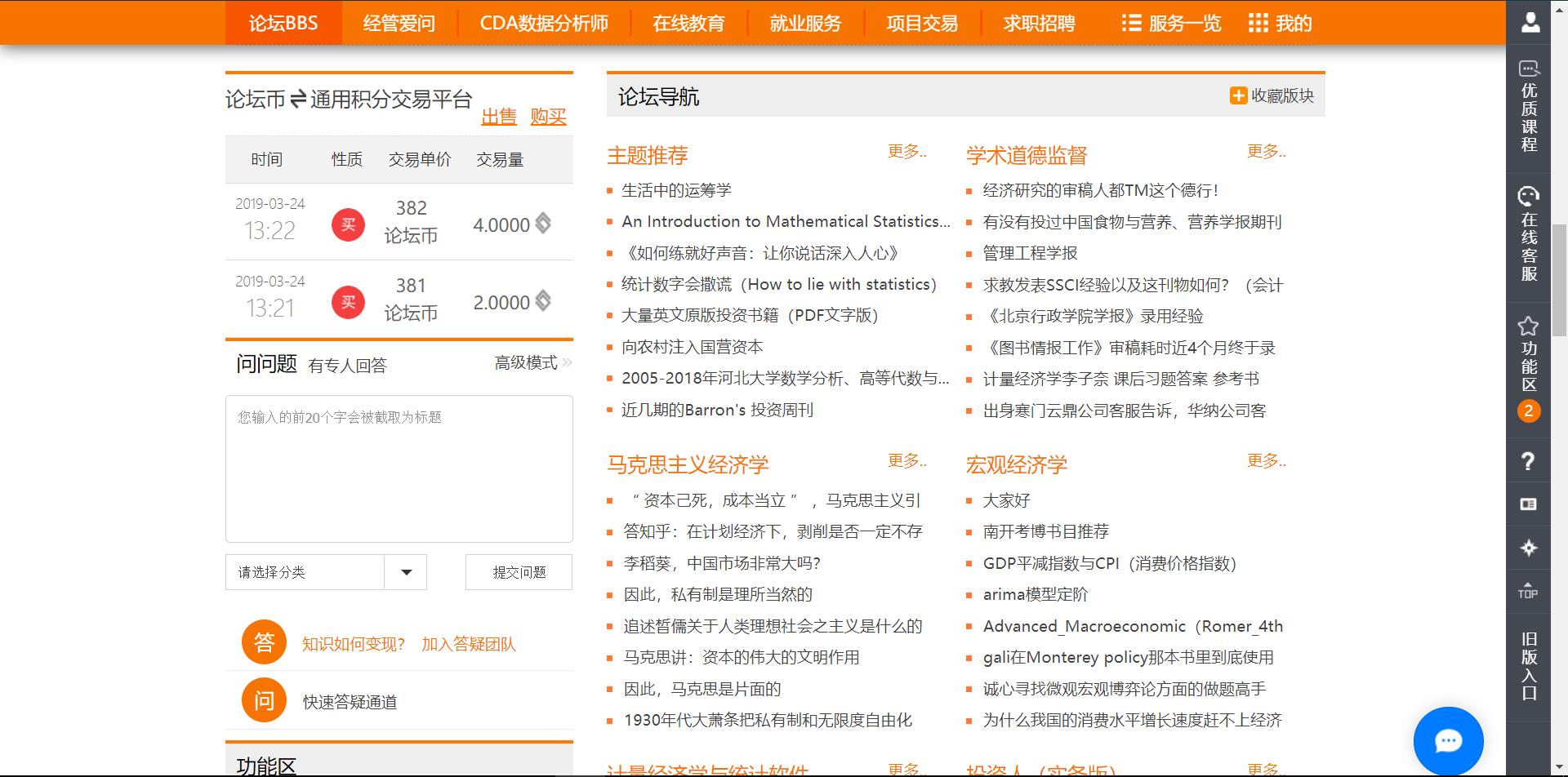
Subjects: economics, finance, management, etc.
2.2.4 How to Download
As you can see, these forums all require virtual currency such as forum coins, points, or gold coins to download. You can usually earn them through things like daily check-ins, but that is troublesome and slow.
If you only need to download something once in a while, I suggest simply searching and buying on the all-purpose “Taobao”. 🛒
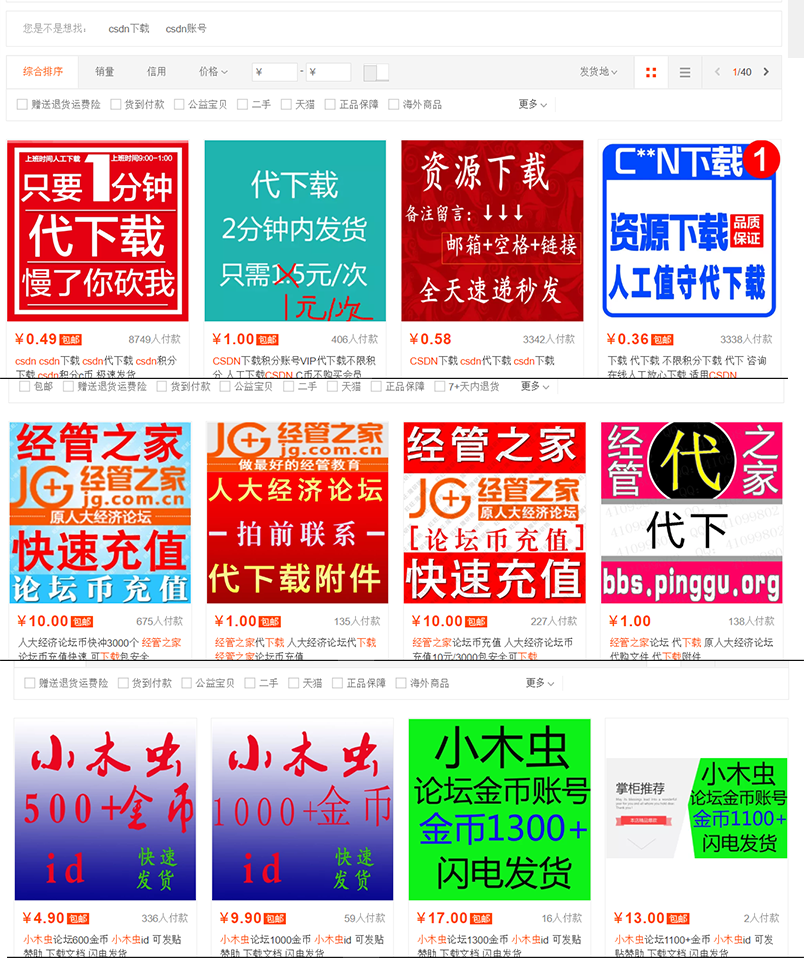
If you need to download often, it’s best to have your own account and the corresponding forum coins.
For CSDN, accounts are generally not sold, so you need to find another way to get points. You can get the methods and channels after joining the “E-Textbook Project” 📚 mentioned later.
2.2.5 Github💻
Subjects: mainly computer science and math
The reason it’s placed here is that, because GitHub is open source, books can be downloaded for free.
Here are a few, briefly listed
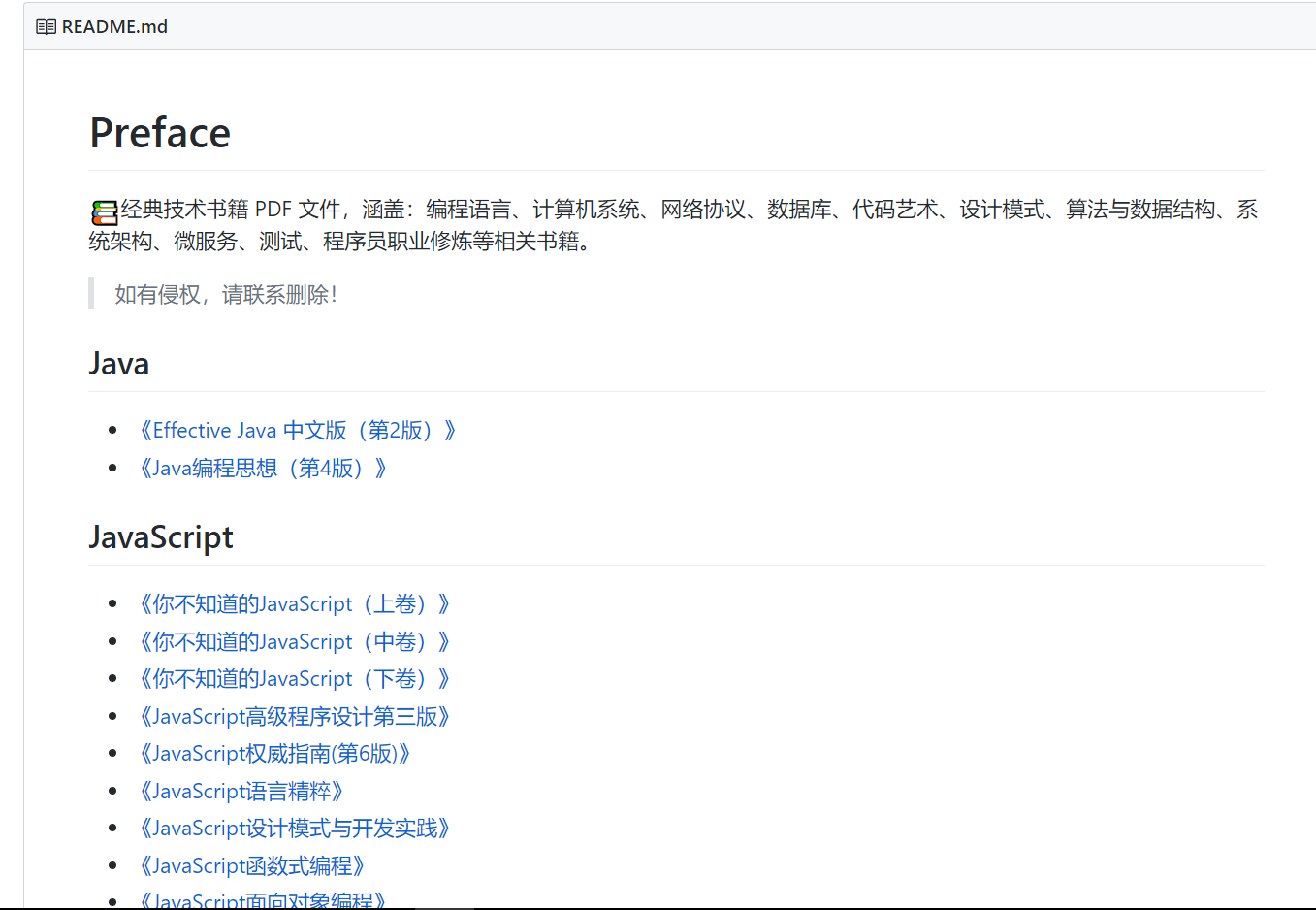
- Classic technical book PDFs, continuously updated…
- Directory of Python books
- A complete collection of classic programming books
- Ancient Traditional Chinese Medicine texts
- [Translation] Probability Theory for Data Science
Tip: Searching with “awesome” plus the keyword you want often yields unexpected rewards. 🥚
2.3 Buying from Professionals
2.3.1 Check Whether the Library Has Scanned the Book and How Clear the Scan Is
As mentioned above, one source of Chinese PDF textbooks is leaked library scans, so you can also get the relevant PDF books by going to people with administrative access.
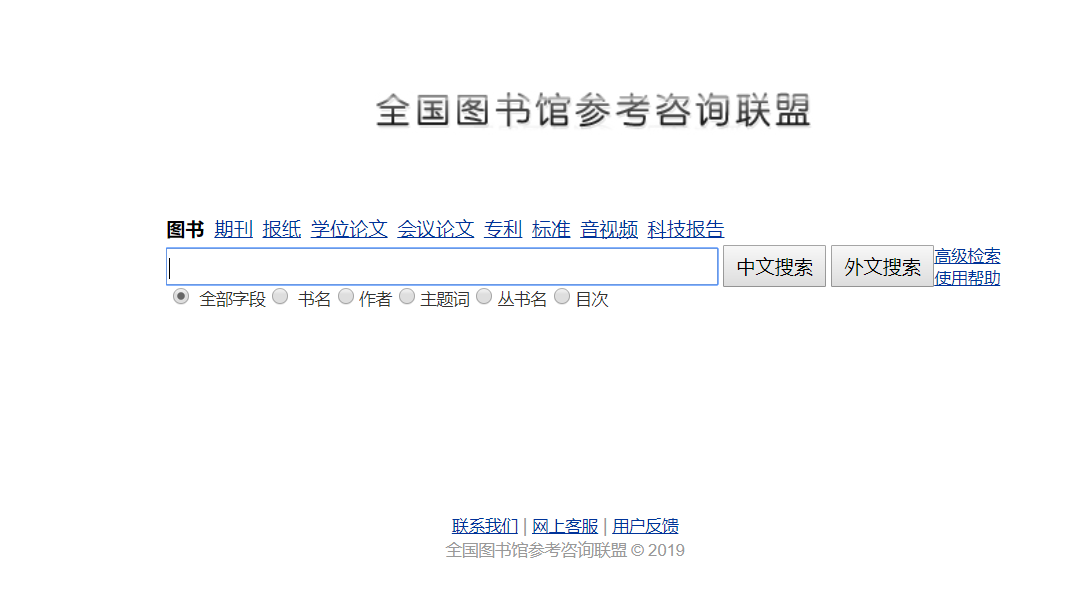
First, go to the National Library Reference Consultation Alliance to look up the book. You can search by title, ISBN, author, and more (searching by ISBN is recommended, as it is very efficient).
PS: The ISBN is the number next to the barcode at the bottom right of the back cover. You can also find it on e-commerce product detail pages.
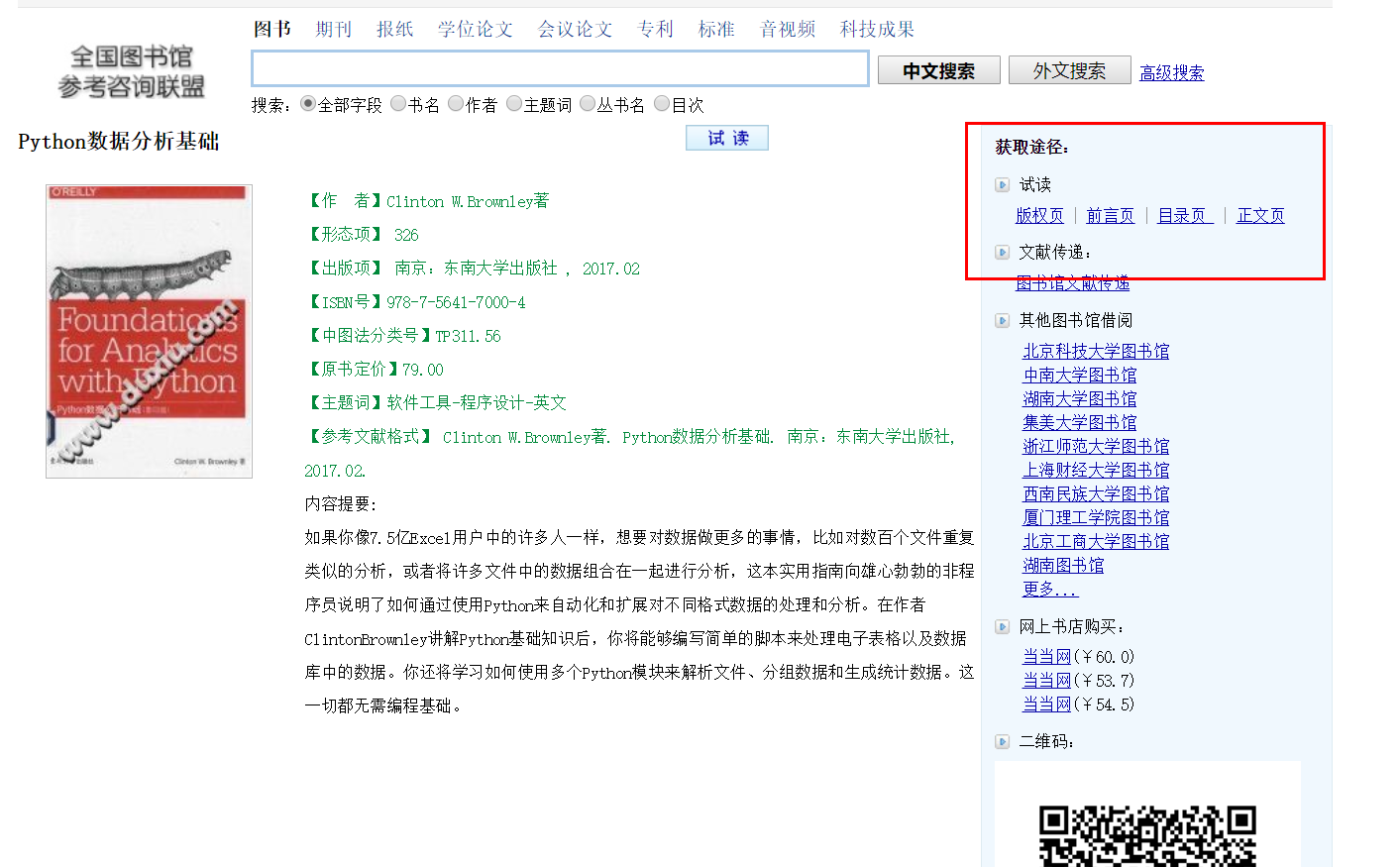
If the top right of the book detail page shows a preview (copyright page, preface, table of contents, main text), you can buy it this way. If there is no preview, you cannot buy it this way.
Click in and check the clarity: the clarity of the preview is the clarity of the PDF textbook that gets produced.
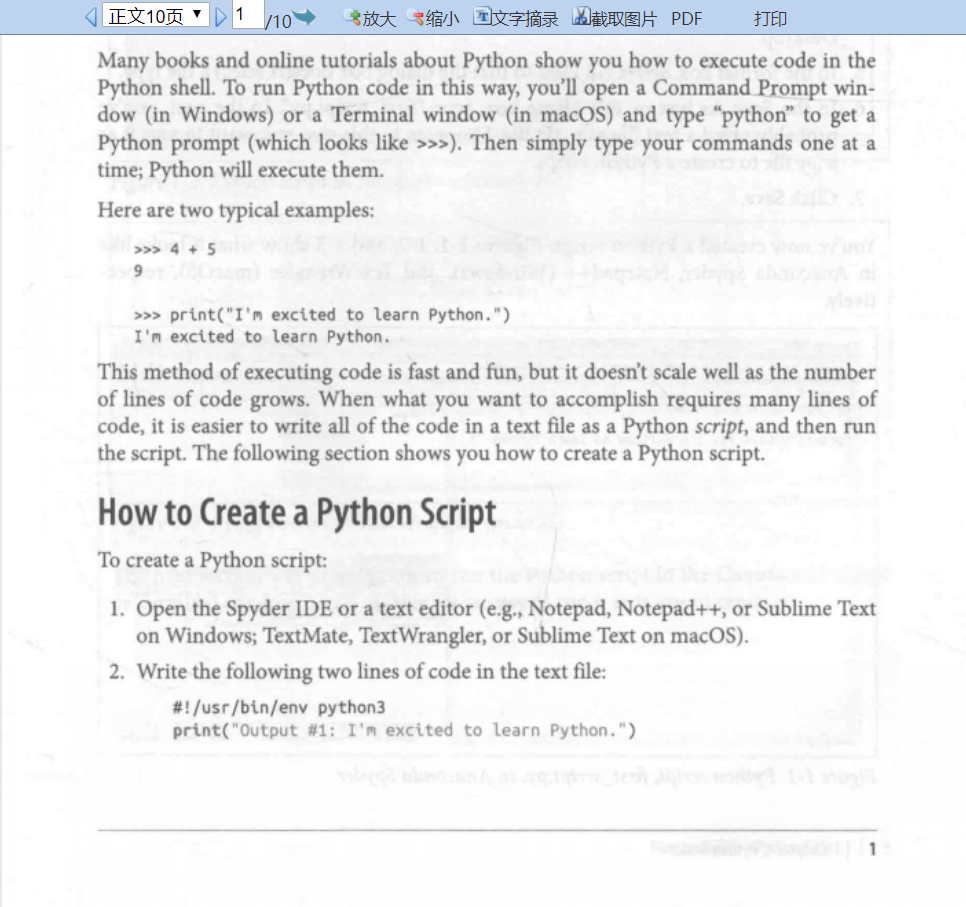
2.3.2 Finding Someone to Buy From
You can find such people through channels like Taobao. A book usually costs 5-15 yuan; pick one yourself.
To avoid any suspicion of advertising, I won’t recommend anyone in the article. But you can reply “e-book purchase” in the backend of the account to get the contact information of a practitioner I recommend, at about 3 yuan per book.
PS: The library’s scan format is PDG, and converting it to PDF takes some time, so please be patient.
2.4 Searching with General Search Engines
If you’ve gotten to this step, then either your book is fairly new and the library hasn’t gotten around to scanning it, or it’s fairly obscure and demand is low.
So we have to rely on the vast community of netizens, using general search engines. I suggest Google or its mirror sites.
Of course, there are techniques to searching, too.
2.4.1 Make Good Use of “filetype:”
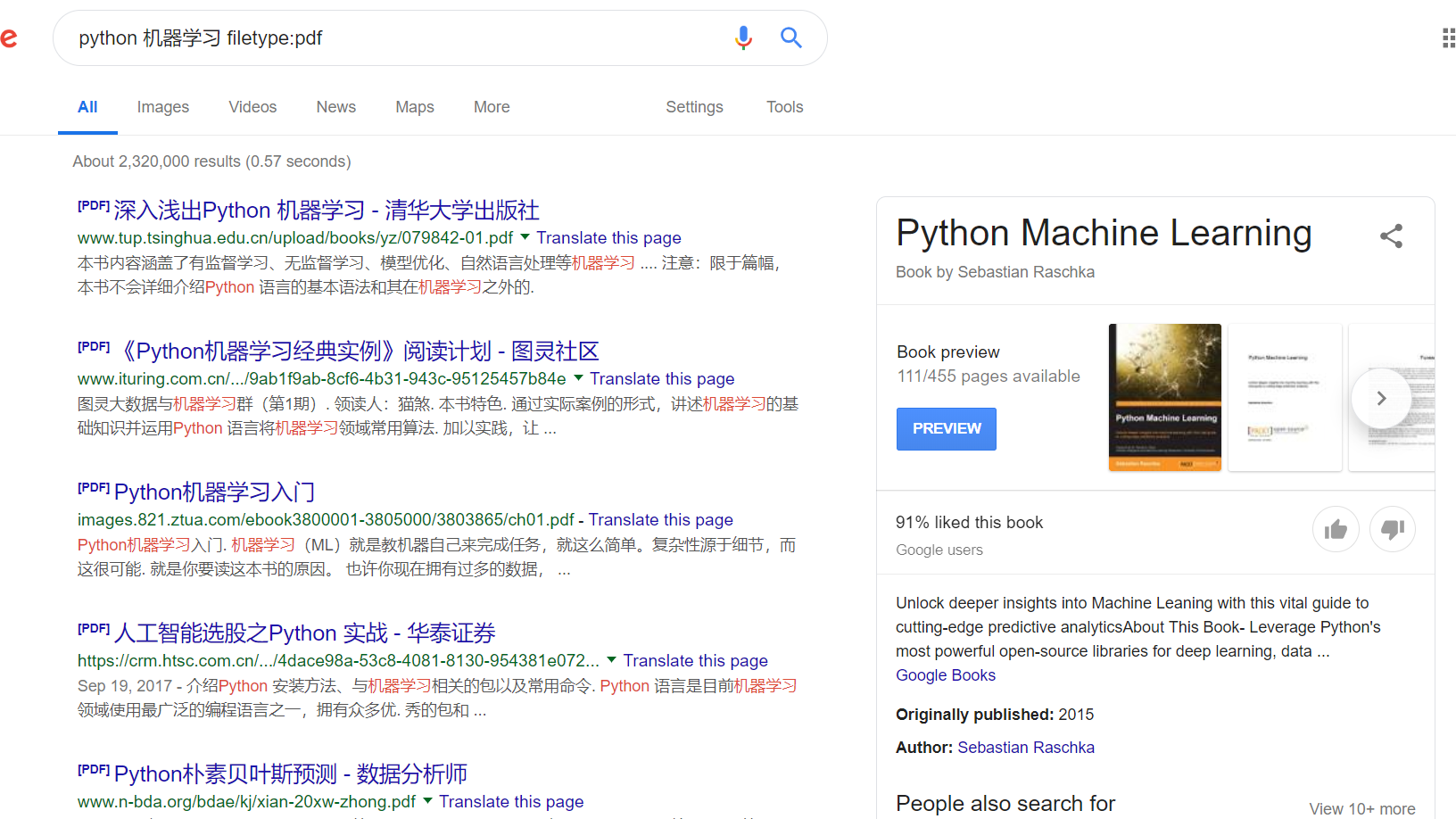
Note: the colon is an English colon
filetype means showing only a certain file type, such as .doc .pdf .xls .ppt .txt
2.4.2 Make Good Use of English Double Quotes ""

The content inside double quotes is matched exactly, meaning the result must contain exactly the same content as inside the quotes. It is very handy when searching among many similar books.
2.4.3 Make Good Use of “-”
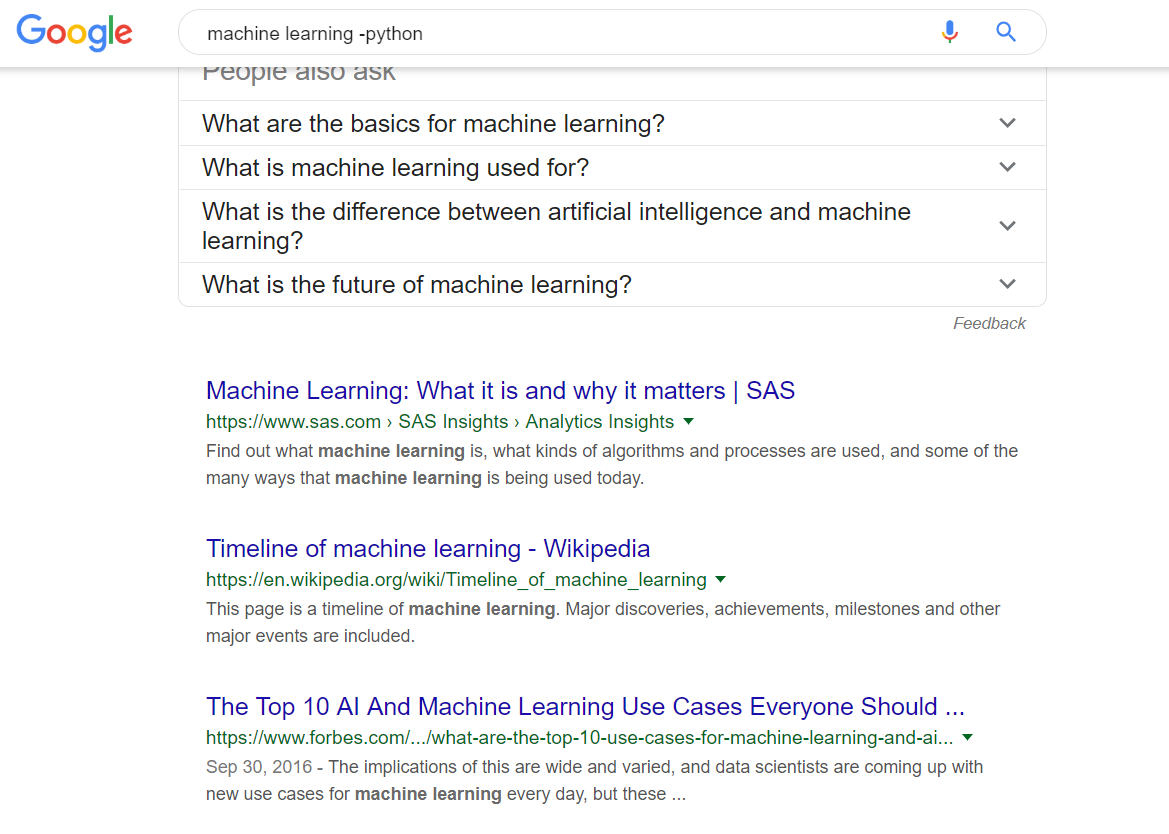
The minus sign is usually used to exclude certain search content. The figure shows the results for machine learning without python.
Note: there must be a space between the preceding keyword and the minus sign, and there must be no space between the minus sign and the following keyword
2.4.4 More Search Syntax Tips
There are many more search syntax tricks, which I won’t expand on here. You can refer to this article to learn about them. Of course, knowing just a few common ones will greatly improve your search efficiency.
PS: Most search engines today are keyword-based rather than semantic, so please don’t type “how to find the book Learn Python the Hard Way” 🙃🙃🙃. Instead, split it into keywords: “Learn Python the Hard Way python”.
2.5 Miscellaneous
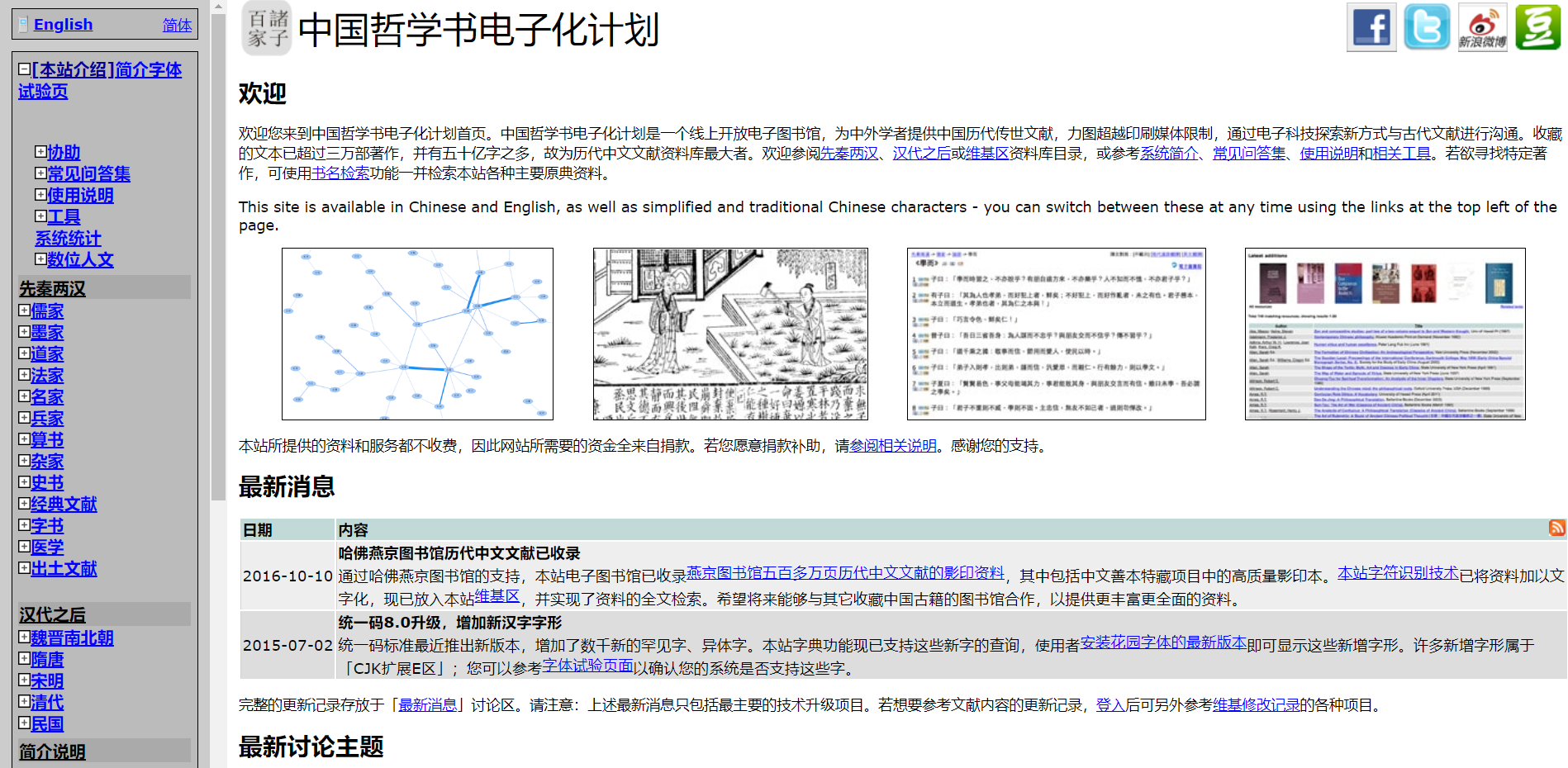
There are probably other dedicated projects like this; feel free to add them in the comments. 🔗
2.6 Crowdfunded Scanning
If you’ve tried all the methods above and still ended up here, congratulations: you’re about to unlock a new skill. 😬
Please scan it yourself…
Buy the book on Taobao, ship it to a scanning shop on Taobao, and get a PDF.
Typical pricing:
Pricing: 0.1 yuan/page for scanning with the book taken apart, 0.2 yuan/page for scanning without taking it apart. A3 scanning requires taking the book apart, at 0.2 yuan/page. If your book has 300 pages, taking it apart costs 30 yuan.
400 dpi is clear enough. I recommend scanning with the book taken apart, as the result is very good.
If you truly need it, I strongly suggest starting a crowdfunded scan for the book to split the cost. A somewhat thick book might sell for 15 yuan, but the whole service of scanning it into a PDF can easily exceed 100 yuan.
You can join the “E-Textbook Project” mentioned later to start your crowdfunding request (first judge for yourself whether the demand is niche).
3 Advanced Tips
3.1 About Unthrottled Baidu Netdisk
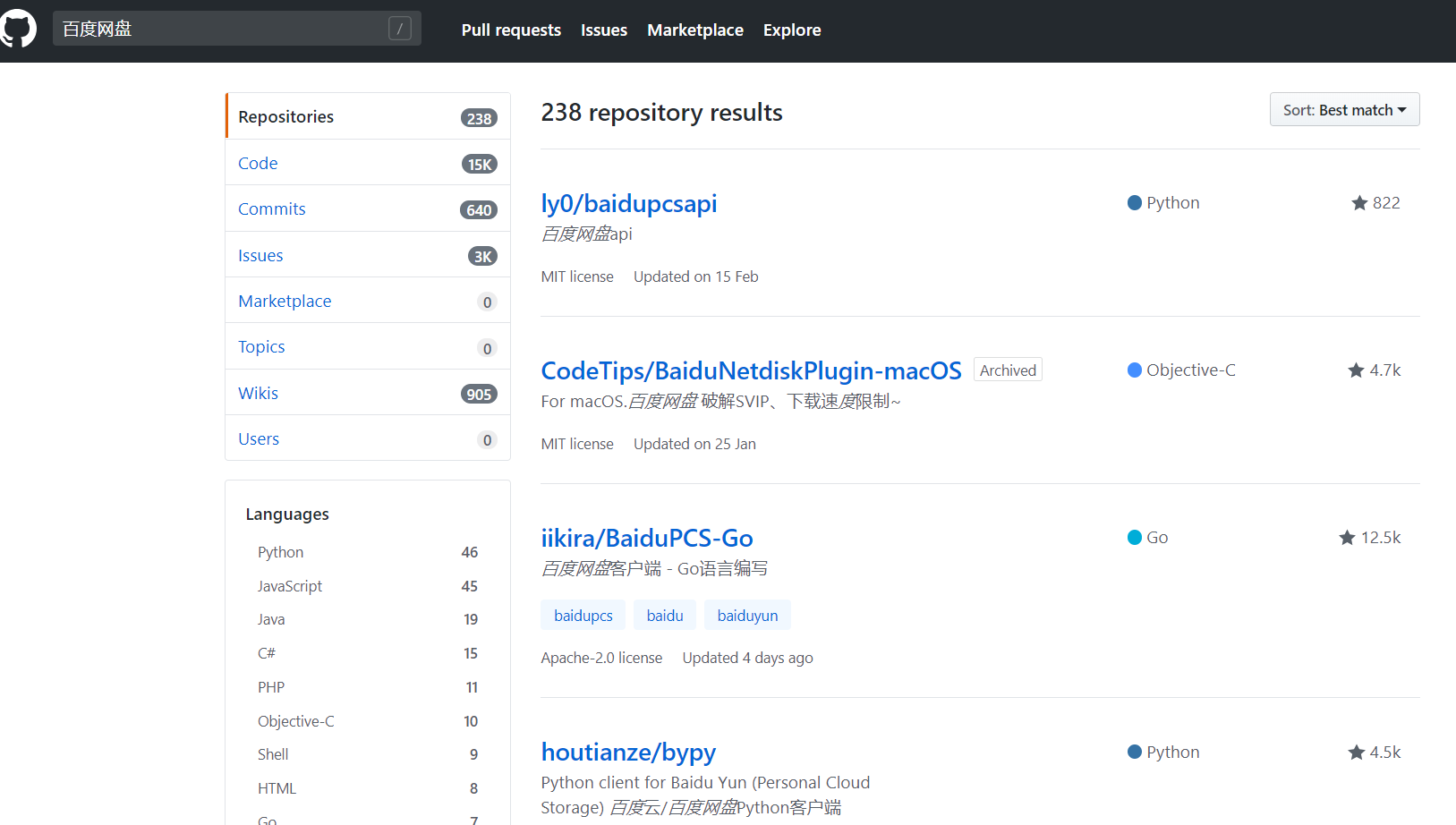
There are many projects on GitHub for unthrottled Baidu Netdisk downloads, such as ProxyeeDown; you can search for them yourself.
There are also some relatively mature third-party programs on the market, such as Speedpan and PanDownload.
Of course, third-party clients all carry risk, and your account may get throttled.
You can also use IDM + Tampermonkey scripts, which is safer. If you’re too lazy to tinker, I recommend Naolao’s method.
3.2 Chrome + the Context Search Extension for Faster Searching
Having to reopen a web page and type keywords for every search is troublesome. This extension speeds up searching.
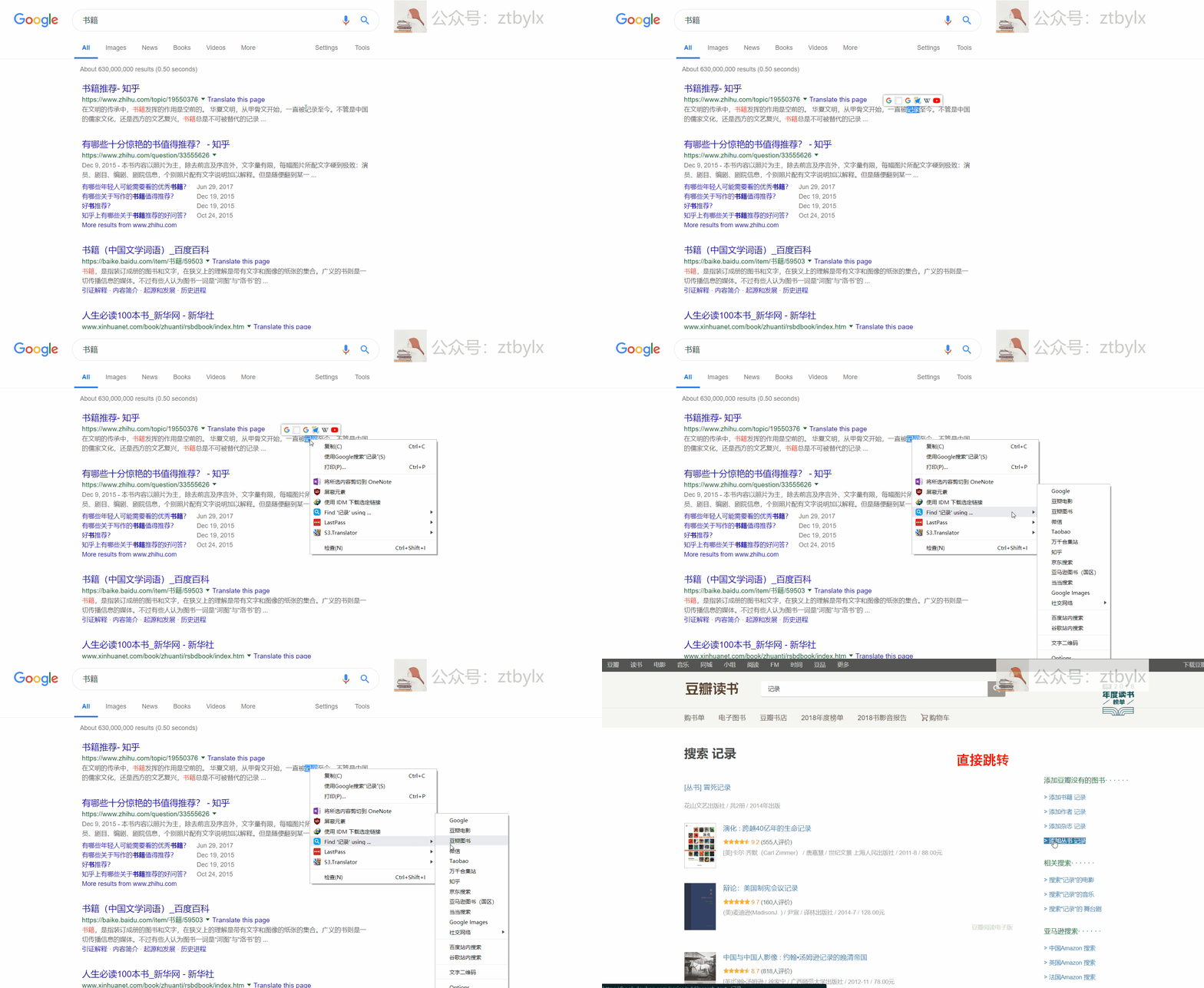
The result is shown above.
Next time: How to find English textbooks?